Dynamic QR Codes in PHP: When You Need an API and When You Don't
"How do I generate a QR code in PHP" has two completely different answers, and picking the wrong one costs either money or a reprint.
If the code is static, do it locally
If what you need is a picture of a URL — a ticket, an invoice, a receipt, a code that will never point anywhere else — install a library and be done. endroid/qr-code is the usual choice; it draws PNG and SVG offline, in your own process, with no API key, no rate limit, no dependency on anyone's uptime, and no cost.
That covers most of these questions, and any article that skips past it to sell you something is wasting your afternoon. There is no advantage to calling a service for a code whose destination is fixed.
What changes with a printed code
A static code is its destination: the URL is inside the pattern. Change where it should point and every printed copy is wrong, permanently.
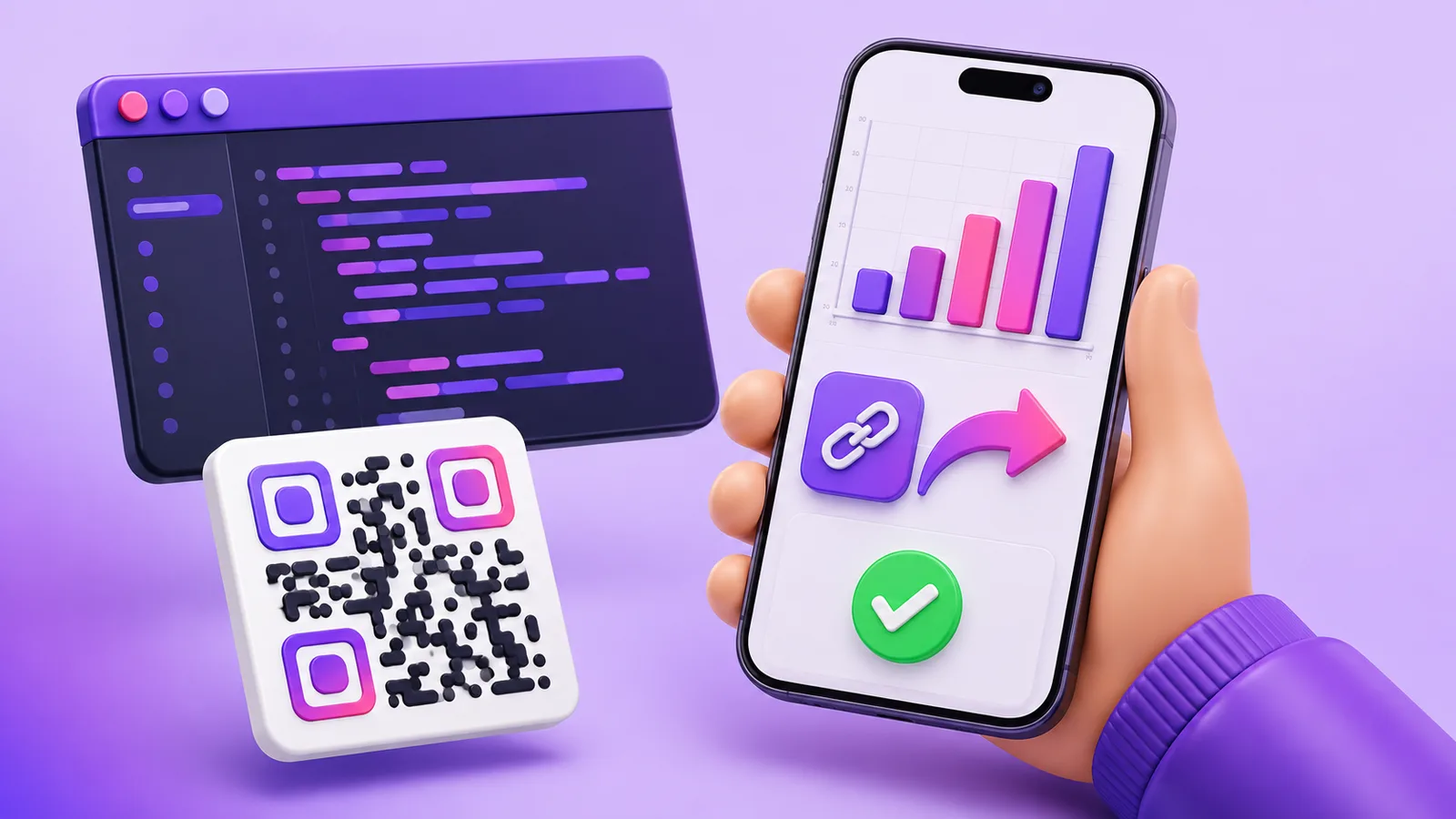
So the question is not "PHP or a service", it is: after this is printed, will the destination ever need to move? If yes — and for anything on packaging, an asset tag, a leaflet or a machine it usually is — the code has to encode a short address you control, with the real destination behind it. That is the only part a library cannot do for you, because it needs something to keep answering that address for years.
The second thing you get is a count: a static code reports nothing, since nobody is in the middle to notice.
Creating one
An API key comes from the dashboard and travels as a bearer token. Plain cURL, so it works on any host without a package manager:
<?php
$ch = curl_init("https://enqre.com/api/v1/qrcodes");
curl_setopt_array($ch, [
    CURLOPT_POST           => true,
    CURLOPT_RETURNTRANSFER => true,
    CURLOPT_HTTPHEADER     => [
        "Authorization: Bearer " . getenv("ENQRE_API_KEY"),
        "Content-Type: application/json",
    ],
    CURLOPT_POSTFIELDS => json_encode([
        "name" => "Order 10432 – delivery note",
        "url"  => "https://shop.example/orders/10432",
    ]),
]);

$body   = curl_exec($ch);
$status = curl_getinfo($ch, CURLINFO_RESPONSE_CODE);
curl_close($ch);

if ($status !== 201) {
    throw new RuntimeException("enqre: HTTP $status — $body");
}

$code = json_decode($body, true)["data"];
// $code["id"]       — store this against your record
// $code["shortUrl"] — the address the QR image should encode
Two habits worth forming immediately:
- Store the returned
idagainst your own record. Without it, changing that code later means searching by name and hoping it is unique. - Put your identifier in the name. It is what makes a list of five thousand codes navigable, and the only field that carries your meaning.
Render shortUrl as the QR image with whatever local library you like — the two jobs are separate, and drawing is the part PHP does perfectly well by itself.
Moving the destination
This is the endpoint the whole idea rests on:
<?php
$id = $code["id"];
$ch = curl_init("https://enqre.com/api/v1/qrcodes/$id");
curl_setopt_array($ch, [
    CURLOPT_CUSTOMREQUEST  => "PATCH",
    CURLOPT_RETURNTRANSFER => true,
    CURLOPT_HTTPHEADER     => [
        "Authorization: Bearer " . getenv("ENQRE_API_KEY"),
        "Content-Type: application/json",
    ],
    CURLOPT_POSTFIELDS => json_encode([
        "url" => "https://shop.example/orders/10432/tracking",
    ]),
]);
curl_exec($ch);
curl_close($ch);
// The printed code is untouched. It now opens the tracking page.
Reading the scans
<?php
$ch = curl_init("https://enqre.com/api/v1/qrcodes/$id/scans");
curl_setopt_array($ch, [
    CURLOPT_RETURNTRANSFER => true,
    CURLOPT_HTTPHEADER => ["Authorization: Bearer " . getenv("ENQRE_API_KEY")],
]);
$res = json_decode(curl_exec($ch), true);
curl_close($ch);

echo $res["total"];             // every scan ever counted
foreach ($res["data"] as $scan) {
    // createdAt, device, os, browser — and nothing else
}
Worth knowing before you design a report: a scan record holds the time, the device type, the operating system and the browser. No identity and no location — not a city, not a country. You can answer "how many, when, on what kind of device"; you cannot answer "who" or "where". If your plan needs either, this is the wrong data source and no amount of integration will change it.
The failures you will actually hit
401 invalid_api_key— missing header or a replaced key.400 invalid_body— nearly always a URL that is not a URL. Validate before sending; the endpoint is strict on purpose.402 plan_limit_reached— the account is at its code limit.429 rate_limited— over 60 requests a minute. Queue and spread them; retrying immediately in a loop makes it worse.
Check CURLINFO_RESPONSE_CODE rather than trusting the body. A failed call that is not noticed becomes a record with no code against it, and you find out at the printer.
Two things to get right on day one
Make creation idempotent on your side. Ask twice and you get two codes for order 10432 — and retries, timeouts and at-least-once queues all ask twice eventually. Store the id and check before creating.
Do not print what you have not read back. If the code goes onto something physical, fetch it once after creating and confirm the destination. It costs one request and prevents the only mistake in this system that cannot be corrected afterwards.
When not to write the integration at all
If you need a few hundred codes once — a batch of assets, a set of rooms — a CSV upload is faster than any code you could write for it: two columns, name and destination, and every row becomes a dynamic code. Write the integration when codes appear continuously, at a moment nobody can predict.
Quick answers
- Best PHP library for QR codes?
endroid/qr-codefor drawing. It cannot make a code dynamic, because that is a hosting problem rather than a drawing one. - Can I make a dynamic QR code in pure PHP? Yes, if you host the redirect yourself and keep it alive for as long as the print exists.
- How do I authenticate?
Authorization: Bearer enq_…. - What is the rate limit? 60 requests per minute per account.
- Does the API return the image? No — it returns
shortUrl. Draw it locally, at the size and format your print needs. - Do the scans include location? No. Time, device, OS and browser only.
The Enqre Team·Published on 7/28/2026·Updated 8/16/2026