QR Codes for Events: From Save-the-Date to Feedback Form
An event has a beginning, a middle and an end, and each stage needs the attendee to know something different. Printed material does not move with that. A dynamic QR code does: the same pattern on the invitation, the poster and the badge can mean "save the date" in March, "here is the room plan" on the day, and "tell us how it went" the morning after.
Before: getting the date into their calendar
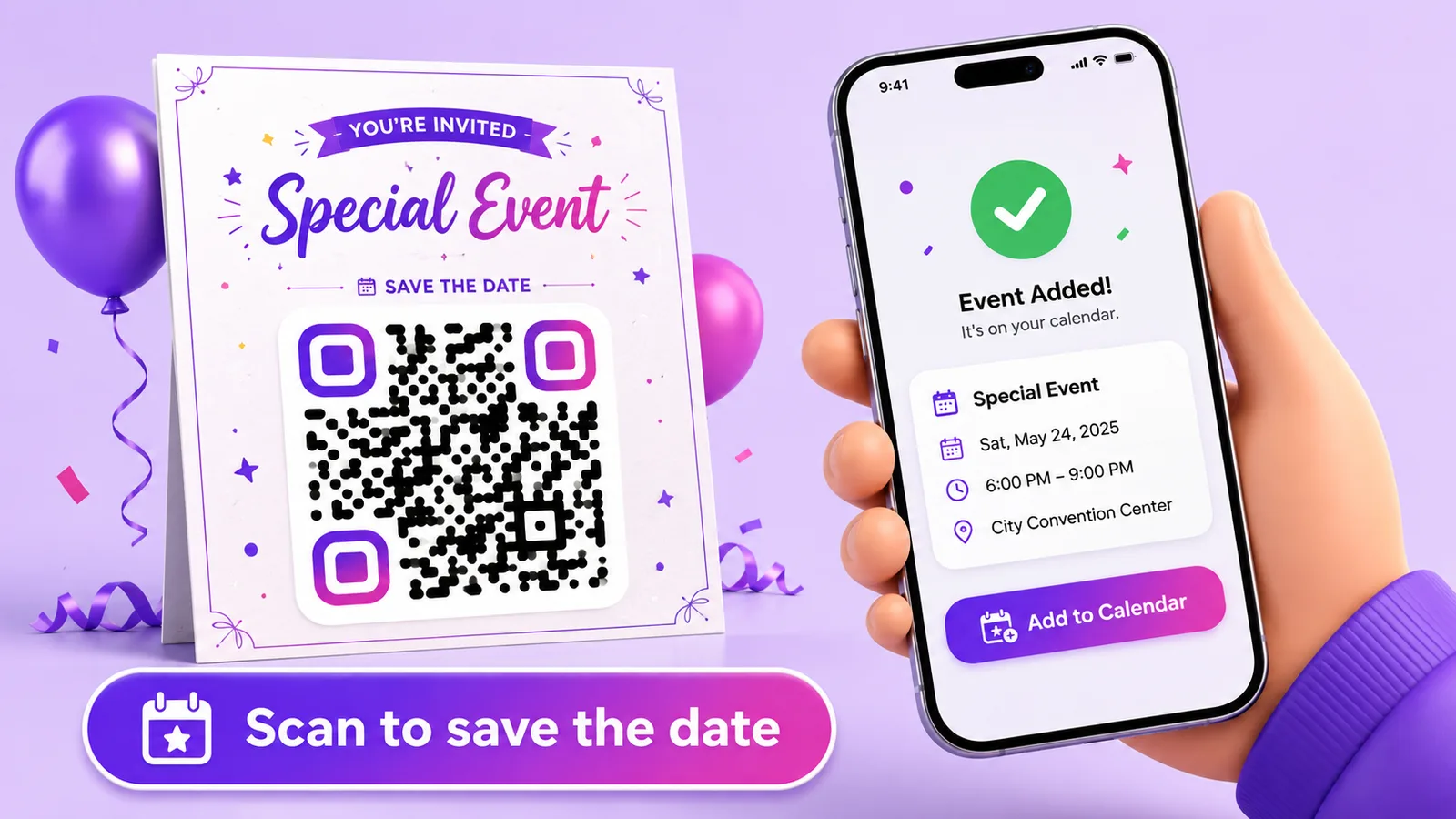
The gap between "I'd like to go" and "it is in my calendar" is where attendance leaks away. A calendar-event code closes it: scanning opens a page with the title, date, time and location, and a Save to calendar button that downloads a standard .ics file. iOS, Android, Outlook and Google Calendar all read it.
Two practical notes on the fields:
- Put the address in the location field, not just the venue name. The calendar entry becomes tappable navigation for someone leaving the house in a hurry.
- Times are converted to UTC in the file. Enter the start and end in the local time of the venue and check the result once by scanning it yourself — a one-hour error here means people arrive after the keynote.
Where the code goes: the invitation, the email footer, the closing slide of the previous edition's talk, and the poster. On a poster the calendar code beats a link to a ticket page, because the decision it asks for is smaller.
During: the code on signage and badges
On the day, attendees have three recurring questions — where is my room, what is on next, and what is the Wi-Fi password. Each maps to a code:
- Entrance and corridor signage: a code to the live programme. Because it is dynamic, a room change at 11:00 is an edit, not a reprint.
- Wi-Fi: a Wi-Fi code at the registration desk and in each room. On a guest network with client isolation, never your production one.
- Badges: the programme on the back, or the speaker's own contact card if you print per-person badges.
- Each room's door: the session list for that room only. A code that answers a narrow question gets scanned more than one that dumps the whole schedule.
Time rules are what make one poster do several jobs: the same printed code shows the morning agenda before noon and the afternoon one after. Just remember that rule hours are UTC, so convert from the venue's local time — and that they shift with daylight saving.
After: feedback while it is still fresh
Feedback response rates fall off a cliff within a day. The code that showed the programme during the event should point at a short form the moment it ends — repointed in one edit, on signage that is still standing at the exit.
Then, weeks later, the same printed material can advertise the next edition. A poster that has been on a wall since spring is not waste if the code on it still leads somewhere current.
Tickets and access control
Be clear about what a QR code does and does not do here. A dynamic code is a redirect, not a credential: everyone who scans it gets the same thing. That is exactly right for programmes, maps and Wi-Fi, and exactly wrong for admission.
For tickets you need one unique code per attendee, checked against a list at the door — which is a ticketing system's job (Eventbrite, Ti.to, your own). What helps at scale is bulk generation: create hundreds of codes from a CSV in one go, one per table, per exhibitor stand or per printed asset, so each has its own destination and its own scan count.
Two access controls do apply usefully to event codes:
- An expiry date — a code for a one-day conference can stop working the following week rather than sending people to a dead page next year.
- A password — for a speakers-only briefing page or an internal run sheet behind an otherwise public code.
What the analytics will and will not tell you
Per-code scan counts are genuinely useful for planning the next edition: which room's code got scanned most, whether the badge code beat the signage code, when the feedback form actually got used. You also see device, OS, browser and referrer, and unique visitors counted from a hashed IP.
What you will not see is where people scanned from — there is no geolocation in the analytics at all. If you want to compare the north entrance with the south entrance, give each its own code. That is the reliable way to get placement data, and it works better than location tracking would anyway.
Printing for a venue
- Size to the reading distance: roughly a tenth of it. A badge code is read at 20 cm, so 2 cm is fine; a code on a banner read from three metres needs about 30 cm.
- Eye level, not floor level. Codes below waist height get missed and are awkward to scan in a crowd.
- Watch the lighting. Conference venues are full of spotlights; glossy laminate under one is unreadable. Matt finish for anything laminated.
- Say what it does. "Scan for the programme" and "Scan for Wi-Fi" side by side, so nobody has to guess which code is which. Two unlabelled codes next to each other are worse than one.
- Test on site if you can, or at least on the real printed material under similar light, with an old phone as well as a new one.
With Enqre you can create a calendar-event code, repoint it as the event moves through its stages, add time rules, set an expiry, generate codes in bulk from CSV, and export SVG or print-ready PDF for your printer.
Frequently asked questions
Can a QR code add an event to someone's calendar?
Yes. A calendar-event code opens a page with the event details and a button that downloads a standard .ics file, which iOS, Android, Outlook and Google Calendar all import.
Can I use QR codes as event tickets?
Not with a plain dynamic code — it is a redirect, so everyone scanning it gets the same page and nothing is validated. Tickets need one unique code per attendee checked against a list, which is what a ticketing platform does. Bulk generation helps when you need many distinct codes, but the admission check is not ours.
Can one code show different things before, during and after the event?
Yes, in two ways: edit the destination at each stage, or set time rules so the switch happens on its own. Rule hours are in UTC, so convert from the venue's local time.
Can I see where attendees scanned from?
Not by location — there is no geolocation in the analytics. Use a separate code per entrance, room or asset; the scan counts then tell you about placement directly.
What happens to the code after the event?
Whatever you point it at. Repoint it at the next edition's page, or set an expiry date so it stops working instead of leading to a stale page months later.
The Enqre Team·Published on 8/7/2026·Updated 9/22/2026