Published on 8/7/2026
Hundreds of QR Codes from One Spreadsheet — and How to Name Them
Some jobs need one code. Others need one per room, per shelf, per machine, per property, per table, per box in a warehouse. Making those by hand is not hard, it is just impossible: 500 codes at thirty seconds each is four hours of clicking, and you will still get some of them wrong.
Bulk generation solves the making. What it does not solve — and what actually decides whether the project was worth doing — is the naming. That is most of this article.
The file
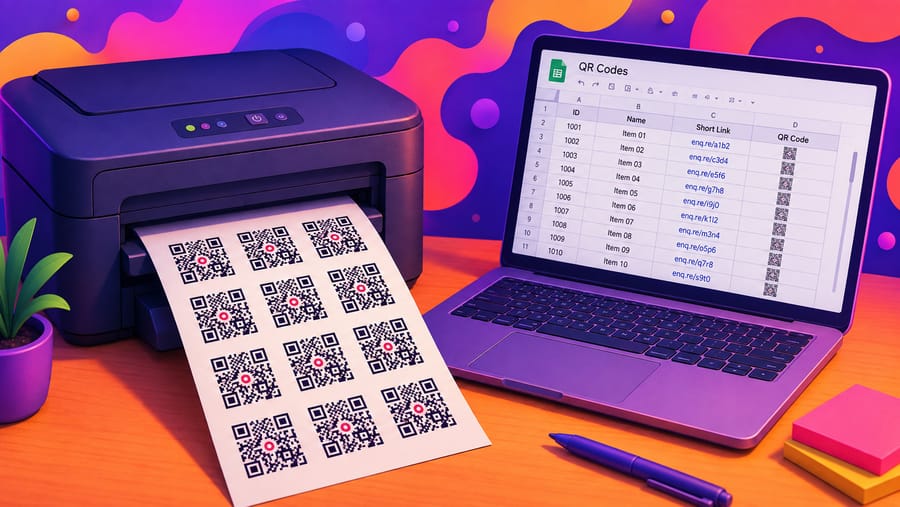
A CSV with two columns: name, then destination. One row per code.
Room 101,https://hotel.example/room/101
Room 102,https://hotel.example/room/102
Room 103,https://hotel.example/room/103
Practical details worth knowing before you build the file:
- A header row is skipped if the first cell says
nameorurl, so exporting straight from a spreadsheet works. - A row with only a URL is accepted — the address becomes the name too. Convenient, and a bad idea for anything you will read later.
- Up to 1,000 rows per upload. More than that, split the file.
- The plan's code limit still applies. Pro allows 100 dynamic codes; upload 400 rows against an empty Pro account and 100 are created, 300 are reported back as skipped. Nothing is silently dropped, and nothing is half-created. Business has no code limit.
- Bulk is on the paid plans. On the free plan the upload is not available — five codes is a form, not a spreadsheet.
The name column is the whole project
Every code you create will produce scan numbers. In six months you will open the list and see rows. Whether those rows mean anything depends entirely on what you typed today.
The rule: name by where the code is, not by what it points at.
"Spring catalogue" is useless when the same catalogue link went on a leaflet, a poster and a shop window — you learn that the campaign got 4,000 scans and nothing about which surface earned them. "Poster – Main St window" tells you where to spend next quarter.
A naming scheme that survives contact with a real list:
- Start with the thing that groups them.
Hotel A – Room 101,Hotel A – Room 102sort together;Room 101 – Hotel Adoes not, and a list of 300 sorted the wrong way is unusable. - Pad your numbers.
Room 007beatsRoom 7, or you get 1, 10, 100, 11 in every sorted view for the life of the project. - Put the date in campaign names, not in permanent ones.
Winter appeal 2026 – tinfor a campaign; a hotel room is a hotel room forever. - Never reuse a name. Two codes called "Front window" merge into one confusing story the day someone looks.
None of this is technical. All of it is the difference between analytics and a list of numbers.
Where bulk actually earns its place
- Hotels and rental property. One code per room to the guest page for that room — Wi-Fi, checkout time, how the shower works.
- Equipment and maintenance. One per machine to its manual and service log. The scan count doubles as a record of who looked something up before touching it.
- Estate agency. One per listing, on the board outside; the code outlives the listing if it is dynamic, and the board gets reused.
- Warehouses and inventory. One per bin or pallet, printed on the label with the address underneath.
- Events with numbered tables or stands. One per table to the menu, the running order, the feedback form.
- Retail shelf edges. One per product line to the page that explains it — and the scan counts tell you which shelf position gets attention, which is a merchandising answer you cannot get any other way.
Before you print 500 of anything
- Upload the file with three rows first. Check that the destinations are right and the names read the way you expect in the list.
- Print one, on the real material, and scan it — from the distance and in the light where it will live. A mistake found now is a reprint of one; found later it is a reprint of 500.
- Then upload the rest.
The order matters more here than anywhere else in QR work, because bulk multiplies mistakes at exactly the same rate it multiplies codes.
Why these have to be dynamic
Five hundred static codes are five hundred decisions you can never revisit. One re-organised website, one changed booking system, one campaign that ends, and every printed item is dead at once — and unlike a single code, you cannot quietly reprint 500 labels stuck to 500 machines.
Dynamic codes turn that into an afternoon's editing. They are also what makes the scan counts exist in the first place: a static code is a picture of an address and reports nothing.
Quick answers
- How many codes can I create at once? Up to 1,000 rows per upload, within your plan's code limit.
- What does the CSV look like? Two columns — name, then destination. A header row is skipped.
- What if the file has more rows than my plan allows? The codes that fit are created and the rest are reported as skipped. Nothing is created halfway.
- Is bulk available on the free plan? No — it is a Pro and Business feature.
- Can I edit all of them later? Each is a normal dynamic code, so yes, individually.
- What should go in the name? The placement, not the destination. It is the only thing that makes the scan numbers readable later.