By the Enqre Team·Published on 7/18/2026·Updated 8/16/2026
Password-Protected QR Codes: What They Actually Protect
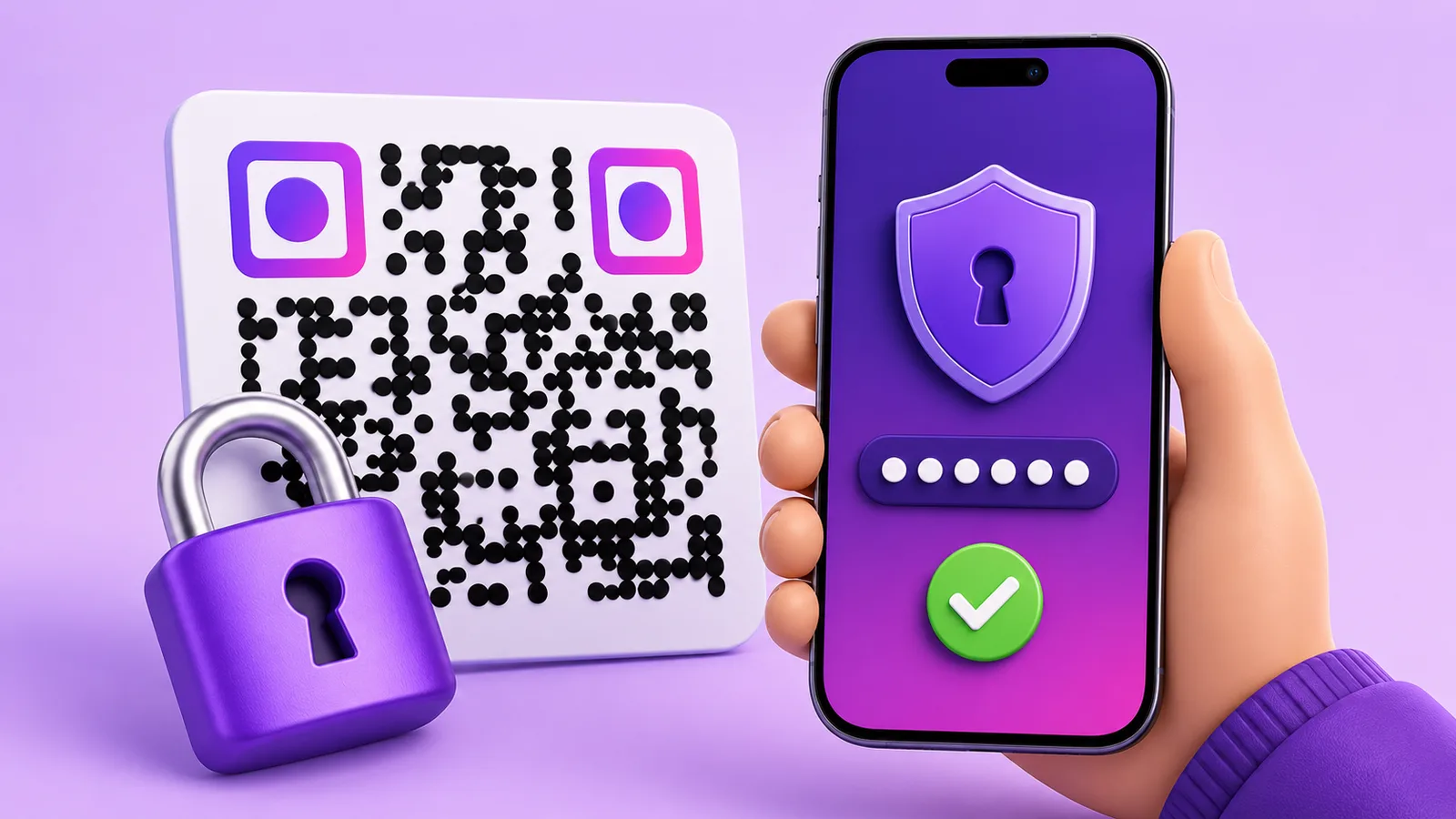
People ask for "encrypted QR codes" and usually want one of two very different things: nobody who wanders past should be able to open this, or this must be genuinely confidential. A password on a dynamic code answers the first well and the second not at all.
How it works, precisely
A dynamic code encodes a short address. Normally that address answers "go here" and the phone follows. With a password set, it answers with a small form instead. Enter the right password and the redirect proceeds; the browser keeps a cookie so the same phone is not asked again for 12 hours, and that cookie covers only that one code.
The password itself is stored as a bcrypt hash, so it is not readable from our side either — which also means that if you forget it, it is replaced rather than recovered.
The sentence that decides whether this is right for you
The password gates the redirect, not the destination.
Your page still sits at its own address, and that address is unprotected. Anyone who has it — someone you shared it with, someone who unlocked the code once and looked at the address bar, a search engine that indexed the page — can open it directly and will never see the form.
So what a password buys is real but bounded: it stops the casual scan. The stranger who photographs a poster, the person walking past a notice board, the competitor who scans your packaging in a shop. It does not stop anyone who is actually trying.
The second limit: it is a shared secret on a printed object
Everyone who is allowed in uses the same password, and the code is out in the world. That has consequences worth thinking through before you print:
- It leaks by design. One person tells another. Within a week of real use, a password on a public code is not private.
- Rotating it means telling everyone again. Which is fine for twelve colleagues and hopeless for four hundred conference attendees.
- It cannot tell you who came in. There is no identity in a scan, and the password does not create one. If you need to know who opened something, you need accounts, not a shared word.
- Do not print it next to the code. It happens more often than you would think, and it converts the feature into decoration.
Where it genuinely fits
- Members-only content on a public surface. A code in a lobby, a gym, a clubhouse — where you want members through and passers-by out, and nothing behind it is sensitive.
- Something not ready yet. A code printed ahead of a launch, active but closed until the day, without the destination leaking through a stray scan.
- Internal codes in shared spaces. A procedure on a machine in a workshop that visitors also walk through.
- Documents you would rather not have indexed or forwarded casually — a price list for trade customers, a rate card.
- Reducing noise. A code somewhere busy where you want the people who were told about it, not everyone with a camera.
Where it is the wrong tool
- Anything actually confidential. Personal data, medical information, financial detail, contracts. Those belong behind a login in a system that knows who each person is — with or without a code in front of it.
- Anything you must be able to revoke per person. A shared password is all-or-nothing.
- Compliance-grade access control. If somebody will one day ask for an access log naming individuals, this cannot produce one.
- Payments, or anything a scam would target. A password form on a scanned code is exactly what a phishing page looks like, and teaching your customers to type credentials after scanning a printed square is a habit you do not want to encourage.
That last point is worth sitting with. The security value of a password has to be weighed against the security habit it teaches.
Practical notes
- It is a Pro and Business feature, alongside expiry and scan limits.
- The unlock lasts 12 hours per device, per code. Long enough that a returning visitor is not annoyed, short enough that a borrowed phone does not stay open.
- Print a hint, not the password. "Ask at reception", "the word on your badge" — the code is public, the phrase does not have to be.
- Keep the destination out of search results too. The password does not stop indexing; that is your page's own job.
- Combine it with expiry where the thing is temporary. The password limits who; the date limits how long.
Quick answers
- Is the QR code itself encrypted? No. A code is a pattern that decodes to text; anyone can read what it says. What is protected is the step after.
- Can someone bypass the password? Anyone holding the destination URL never meets it. The password guards the redirect, not the page.
- How long does an unlock last? 12 hours, on that device, for that code.
- Can I see who entered it? No. A scan carries no identity.
- Is it safe for confidential documents? No — use a login.
- Can I recover a forgotten password? No, only replace it; it is stored hashed.