Published on 7/31/2026
QR Code Error Correction Levels L, M, Q and H: Which to Use
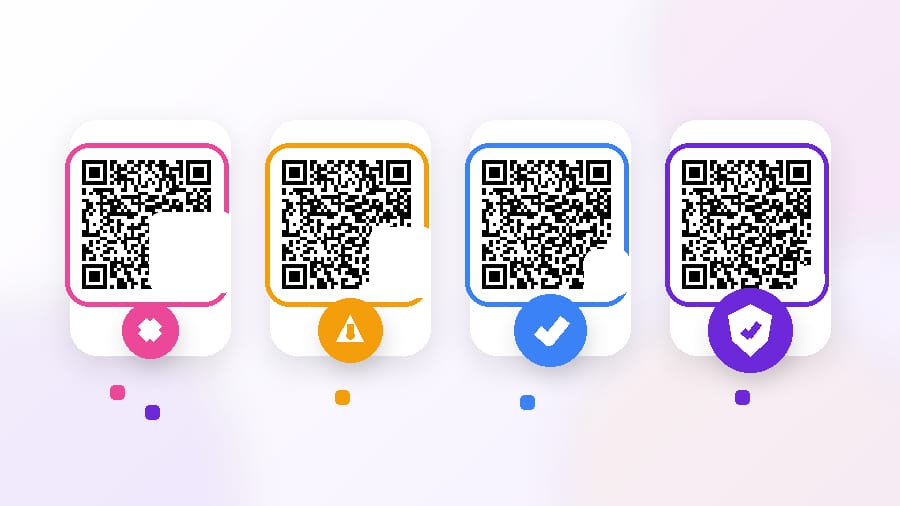
Every QR code carries a second copy of its own data, scrambled and spread across the pattern. That is error correction, and the level you pick decides how much of the code can be scratched, faded or covered before a phone gives up.
There are four levels, and the numbers are fixed by the standard:
- L — about 7% recoverable. The lightest. Smallest pattern for a given payload.
- M — about 15%. The common default elsewhere.
- Q — about 25%.
- H — about 30%. The heaviest, and the default in this editor.
What the level actually costs
Error correction is not free: the recovery data has to go somewhere, so a higher level needs more modules for the same content. More modules means either a physically larger code or the same size with finer modules — and finer modules are harder for a camera to resolve, which is the failure mode you were trying to avoid.
So the choice is not "more is better". It is a trade between damage tolerance and module size, and which side wins depends entirely on how much data you are encoding.
Why H is the default here
Because a dynamic code encodes a short link — a domain and a few characters, not a whole URL with campaign parameters. At that payload the jump from L to H costs one or two versions of grid, which on a printed code of any sensible size is invisible.
You get 30% damage tolerance for almost nothing. That is the right default for codes that end up on menus, boards, packaging and stickers, all of which get handled, scuffed and rained on.
It also means a centre logo is affordable — see below.
When a lower level is the right answer
Two cases, both about payload size:
- Long static content. A vCard with a full address, or a long URL with UTM parameters, encoded statically. Here H can push the grid up several versions, and the modules get small enough that a mid-range phone camera struggles. Drop to M, print it bigger, and test.
- A small print area with a lot to say. Same problem from the other direction. If the code must fit 15 mm on a bottle neck and carries more than a short link, M with big modules beats H with tiny ones.
If you are encoding a short link — which is what every dynamic code here does — neither case applies. Leave it on H.
The logo question, with real numbers
A logo in the middle does not sit "on top of" the code. It deletes modules, and error correction is what pays for them.
That is why the editor's scannability check treats a logo on L or M as a failure, on Q as a warning, and on H as fine. A centre logo covering a fifth of the width removes roughly 4% of the area — comfortable inside H's 30%, uncomfortable against L's 7% once you add print imperfection and a bad camera angle.
The practical limit even at H is about a fifth of the width. Beyond that you are spending the whole budget on decoration and have nothing left for the scratch on the menu.
The part error correction cannot save
This is the thing most explanations skip. The 30% figure applies to the data region. Some parts of a QR code are structure, not data, and damage there is fatal at any level:
- The three corner squares (finder patterns). They are how the scanner locates and orients the code. Cover one and there is nothing to recover from.
- The timing patterns — the dotted lines between the corners, which set the module grid.
- The format information beside the finders, which tells the scanner which error correction level was used in the first place. It has its own small protection, but it is not covered by your 30%.
- The quiet zone. Not part of the code at all, and still required: without clear space around the pattern, the scanner cannot find its edges. Error correction does nothing for a code with a border drawn tight around it.
So the honest version of "H tolerates 30% damage" is: 30% of scattered damage across the data area. A single well-placed thumb on a corner beats any level.
What this means for tampering
A high level does mean partial vandalism — a torn corner of a sticker, a scratch through the middle — often still scans. It does not defend against the attack that matters, which is someone pasting their code over yours. A fake code is not a damaged code; it is a perfectly valid code pointing somewhere else. The defence there is a short domain your customers recognise, and looking at your own signage now and then.
How to check rather than guess
Set the level, then test the printed article, not the screen. Screens are backlit and forgiving; a matte laminate under a shop's fluorescent tube is not. Scan from the distance people will actually stand at, with a phone that is not new, at an angle.
If it reads first time from an arm's length away, the level is fine. If it needs a second attempt, the problem is usually module size or contrast rather than error correction — raising the level would make the modules smaller and the problem worse.
Quick answers
- Which level should I use? H for a short link, which is what dynamic codes encode. M if you are encoding a lot of static data into a small print area.
- How much damage does H survive? Roughly 30% of the data area, scattered. Not 30% of anything, anywhere.
- Does a higher level make the code bigger? It needs more modules for the same data, so yes — either a bigger code or finer modules.
- Can I put a logo in the middle? At H, up to about a fifth of the width. At L or M, no.
- Why do the corners matter so much? They are how the scanner finds the code. No level of error correction can recover a missing finder pattern.
- Does H protect against fake stickers? No. A fake code is undamaged and valid. Use a domain people recognise and check your signage.