Published on 8/6/2026
QR Codes for Feedback and Surveys: Getting Answers, Not Just Scans
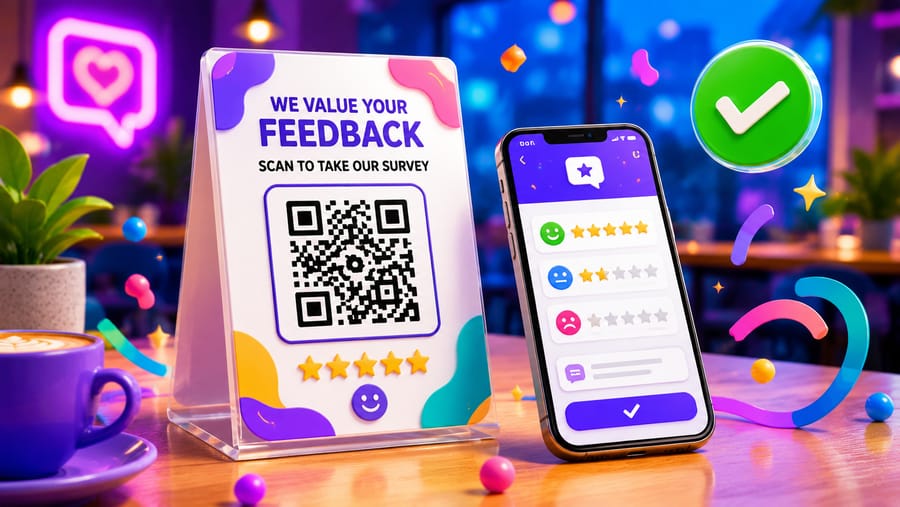
Putting a QR code on a table card that opens a survey takes two minutes. Getting people to finish the survey is the actual job, and almost all of it happens outside the code.
Ask at the moment the answer exists
Feedback has a short shelf life. The strongest moments are the ones where the experience just ended and the person has not yet moved on:
- On the folder with the bill — the meal is over, the opinion is formed, and there is a natural pause.
- On the delivery bag or in the parcel — the product is in their hands for the first time.
- At the exit of an event or a room — before the impression fades on the way home.
- On the receipt for a service — the repair, the appointment, the fitting.
The weak ones are all the same shape: asking later. A code on something taken home is asking a person to remember to care.
Three questions, not ten
Every extra question loses people, and the drop is steepest at the start. A form that opens with a rating scale and one optional comment finishes; a form that opens with "your name" and "your email" does not.
The order that works: the rating first, the comment second, contact details last and optional. If somebody abandons after the first question you still have the number, which is the part you can actually count.
Make the first tap the answer
The best survey link opens with the question already visible and answerable — stars or faces, one tap. Anything that starts with a login, a cookie wall, or a "start survey" button costs a share of the responses for nothing.
Practical check: open the form on a phone with Wi-Fi off. If the first question is not visible without scrolling, the form is too heavy for a code.
What the code can and cannot tell you
The scan count and the response count are two different numbers, and comparing them is the most useful thing this setup produces: it tells you whether people are refusing to start or refusing to finish. A high scan count with few responses is a form problem. Few scans is a placement problem, or a missing reason next to the code.
What the code cannot tell you is who answered — the scan record holds a time, a device, a browser and a salted hash of the IP address, and nothing that identifies a person. Nor does it record where the scan happened: there is no geolocation in the analytics at all. If you want to compare the table cards with the delivery bags, give each its own code.
One code per placement, one destination
Same principle as anywhere else, and it costs nothing at creation time: a code on the table card, another on the receipt, another in the parcel — all opening the same form. Now the counts tell you which touchpoint produces feedback, and you can stop printing the one that does not.
Reviews are a different thing, with rules
A survey and a public review are not interchangeable. A survey is yours; a review lives on Google, TripAdvisor or a marketplace, and those platforms have rules:
- Ask everyone, not the people who look happy. Selective solicitation breaches Google's and TripAdvisor's guidelines.
- Do not incentivise. A free drink for a review is against the same guidelines.
- Do not filter. Routing satisfied customers to the public review and unhappy ones to a private form is called review gating, and it is explicitly prohibited.
A code on the bill folder, handed to every table, is fine — and if you want both, ask for the private feedback and put the public review link on the thank-you screen afterwards, for everybody.
Closing the loop
The thing that turns a survey into a habit is being seen to act. A thank-you screen that says what happens next, and a visible change a month later — "you asked for oat milk, it is here" — does more for the next response rate than any redesign of the card.
Quick answers
- Where should the survey code go? Wherever the experience just ended: the bill folder, the parcel, the exit.
- How many questions? Three or fewer, rating first, contact details last and optional.
- Why do people scan and not answer? The form is too long or too slow. Open it on mobile data and count the taps before the first question.
- Can I see who answered? Not from the code. It records time, device, browser and a hashed IP — no identity, and no location.
- How do I know which placement works? A separate code for each, all pointing at the same form.
- Can I send happy customers to Google and unhappy ones to a form? No. That is review gating and it is against the platforms' rules.