One QR Code, Different Destinations: Redirect Rules and A/B Tests
A printed QR code has exactly one pattern, but the people scanning it are not one audience. Half hold an iPhone and half an Android. Some read German, some Italian. The person scanning your café poster at 09:00 wants breakfast; at 21:00 they want the cocktail list. Redirect rules let one code answer all of those differently, decided at the moment of the scan.
How the evaluation works
Rules are a short ordered list. On each scan they are checked from top to bottom and the first match wins — later rules are not considered. If no rule matches, an optional weighted A/B split decides. If there is no split either, the visitor goes to the code's default destination.
That order is the whole mental model, and it is worth internalising: a broad rule placed above a narrow one will swallow it. "All mobile → app page" above "Android → Play Store" means the Play Store rule never fires. Put the specific cases first and the catch-all last.
The three conditions
Device
Match on operating system (iOS, Android, Windows, macOS…) and/or device type (mobile, tablet, desktop). The obvious use is app downloads — though for a pure app-store split there is a dedicated App Store code type that routes iOS and Android automatically without any rules.
Where a device rule earns its keep is subtler: send desktop scans (someone who photographed the code and opened it later on a laptop) to a full page, and mobile scans to a lightweight one. Or route tablets to a menu laid out for a bigger screen.
One catch: a device rule with neither an OS nor a device type selected never matches anything. Empty means "no filter", not "everything".
Language
Match on the browser's language preference, using two-letter codes. A scan whose browser asks for de-AT matches a rule for de. This is the single most useful rule for a multilingual product: one code on the packaging, and each customer lands on documentation they can actually read.
Language is not location. It reflects how the phone is configured, not where it is. A Ukrainian tourist in Rome scanning a museum code gets the Ukrainian page — usually exactly what you want, and quite different from what a country-based rule would do.
Time
Match on days of the week and an hour window. The window is half-open — 11 to 15 covers 11:00 up to but not including 15:00 — so consecutive windows can be written without overlap.
Hours are in UTC. This is the trap in the whole feature. If your café is in Berlin and you want a lunch menu from 11:00 to 15:00 local time, in summer you configure 09:00–13:00 UTC, and in winter 10:00–14:00. Daylight saving will silently shift your rule twice a year, so it is worth a calendar reminder. Weekday numbers run 0 for Sunday to 6 for Saturday, also in UTC — near midnight the UTC day is not your local day.
A/B testing
Instead of routing by attribute you can split traffic between up to ten destinations by weight. Weights are relative, not percentages: 3 and 1 sends roughly three quarters one way. Two destinations at 50 and 50 is the plain coin flip.
Two honest limitations worth designing around:
- The split is not sticky. Each scan is drawn independently, so the same person scanning twice may see both variants. For a landing-page headline test that is fine; for anything where a returning visitor must see a consistent experience — a checkout flow, a form they are half-way through — it is not.
- The measurement is on your side. Scan analytics tell you how many people scanned the code in total, not which variant they were sent to. Give each variant its own UTM parameters, or point them at distinct URLs, and read the conversion from your own analytics.
Because the printed code never changes, you can also run the test the slow way: point everything at variant A for two weeks, then at B for two weeks. Fewer moving parts, and no split-stickiness problem — just slower and vulnerable to seasonality.
What rules apply to
Rules are evaluated for URL and PDF codes, the two types where "the destination" is a link that could plausibly differ per visitor. A Wi-Fi code or a vCard resolves to its own page and has nothing to route. If you need conditional behaviour, build the code as a URL type pointing at pages you control.
The limits are generous enough not to think about: up to 20 rules and 10 A/B destinations per code. Redirect rules are a Pro and Business feature.
Recipes that actually get used
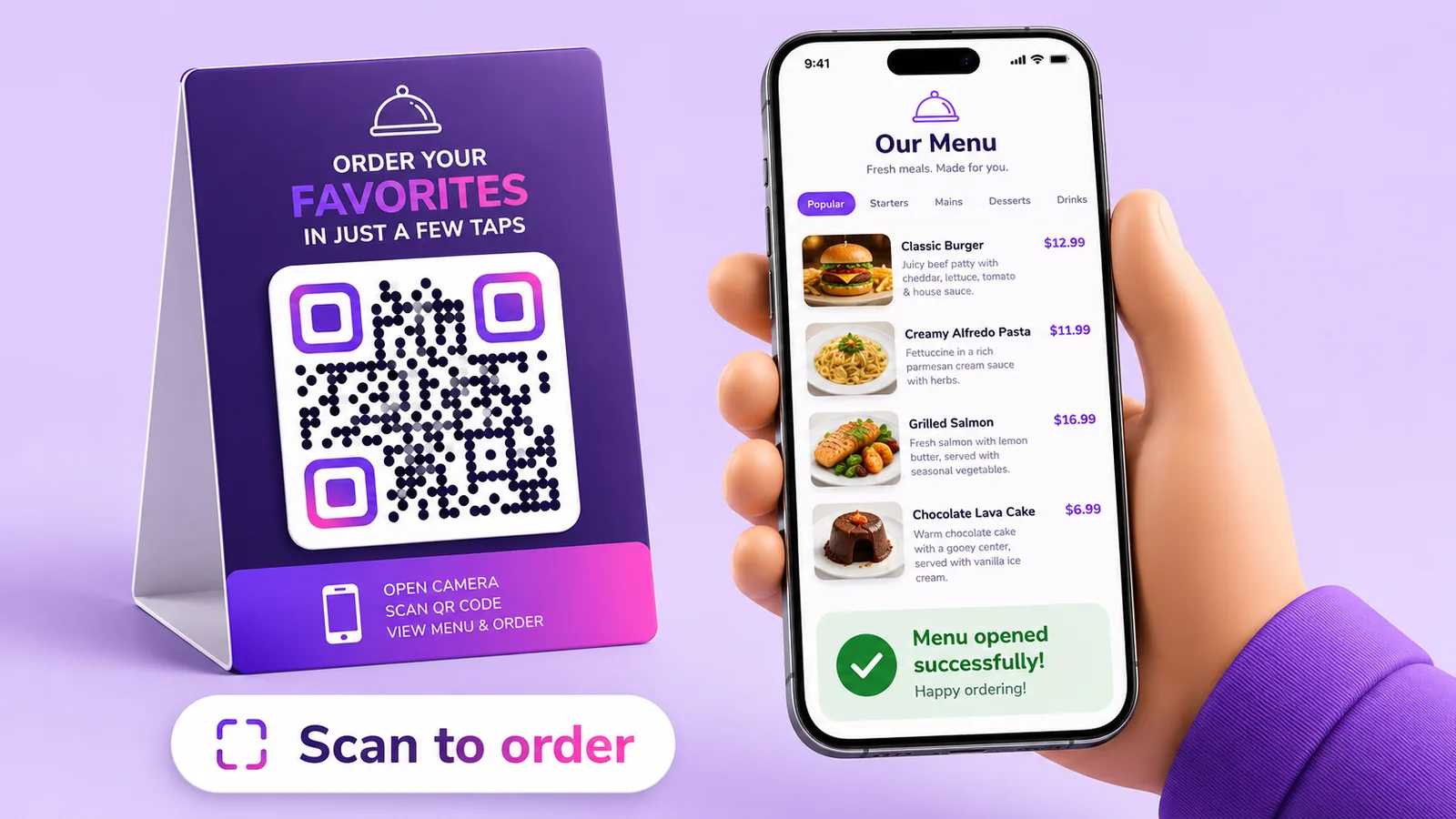
- Restaurant table tent: time rules for breakfast, lunch and dinner menus, with the à la carte menu as the default outside those windows. One printed code for the life of the table.
- Multilingual packaging: language rules for your main markets, English as the default. Care instructions in the customer's language without printing five labels.
- Event signage: before the doors open, the code shows the programme; during the event, the live schedule; the morning after, a feedback form. Time rules do this without anyone walking around replacing posters.
- Conference stand: a rule for desktop to a whitepaper, mobile to a short contact form — because nobody fills in a long form standing up.
- Poster headline test: two landing pages at equal weight, different UTM tags, decide after a fortnight.
Mistakes that cost you scans
- Broad rule above narrow rule. First match wins; order is the logic.
- Forgetting the default. The default destination handles everyone your rules do not describe. It must always be somewhere sensible.
- Local time instead of UTC. The single most common failure, and it fails silently — the code works, it just serves the wrong thing for a few hours.
- Rules nobody can verify. Test each branch: switch the phone's language, scan from a desktop browser, and if you have a time rule, either wait for the window or move it temporarily to now.
- Testing without a metric. An A/B split with no UTM tags and no conversion goal produces two numbers you cannot compare.
Something rules cannot do here, stated plainly: there is no location targeting. Conditions are device, browser language and time — no country, region or city. Language is usually the better proxy anyway, since it follows the person rather than the SIM card.
With Enqre you set rules in the code editor. They are evaluated in the order you added them, and there is no drag-to-reorder yet — so add the specific cases first, or delete and re-add to change the order. Every scan is recorded whichever branch it took.
Frequently asked questions
Can one QR code lead to different pages?
Yes, with a dynamic code and redirect rules. The destination is decided at scan time from the device, the browser language or the time of day, so one printed pattern serves several audiences.
Can I target by country or city?
Not in Enqre. Rules match on device, browser language and time only — there is no geolocation anywhere in the product. For most use cases browser language is the better signal: it follows the visitor, not the network they are on.
Does A/B testing remember which variant someone saw?
No. Each scan is an independent weighted draw, so a repeat scan can land on the other variant. Use it for content tests, not for flows where consistency matters between visits.
Why did my time rule fire at the wrong hour?
Hours are UTC. Convert from your local time and remember that daylight saving shifts the offset twice a year.
Which code types support rules?
URL and PDF. Other types resolve to their own landing pages and have no alternative destination to route to.
The Enqre Team·Published on 7/1/2026·Updated 9/22/2026