How to Create a QR Code Menu for Your Restaurant
A QR menu solves a real problem for the restaurant — reprinting laminated cards every time a price moves — and creates a small one for the guest, who now has to hold a phone to read what to eat. Whether that trade is worth making depends on your room, and it is worth deciding deliberately rather than because everyone else did.
Decide whether you should, first
The case against is not nostalgia. Guests genuinely dislike QR menus in particular rooms: dim lighting, older diners, people who left the phone in a coat, tables where everybody ends up looking down instead of at each other. We have written the honest version of that argument in when a QR menu is the wrong call, and it is worth reading before you order table tents.
The short version: a QR menu earns its place where the menu changes often and the room is bright and casual. It costs you goodwill where the menu is stable and the meal is the occasion. Plenty of restaurants land on both — a printed menu on the table, a code on it for allergens, the wine list and today's specials.
Never point it at a PDF
If you take one thing from this page, take this. A PDF is a page designed for A4, and a phone shows it at about a third of that. The guest pinches, zooms, loses their place, zooms again, and forms a firm opinion about QR menus.
Point the code at a web page that reflows — real text at a readable size, sections that can be tapped through. It is the single largest difference between a QR menu people tolerate and one they complain about, and it costs nothing at the point of setup.
The room has to have signal
A QR menu is a web page, and a web page needs a connection. Cellar dining rooms, thick-walled buildings, rural venues and anywhere the mobile signal dies are exactly the places this fails, and it fails at the worst moment — a full table, nobody able to order.
Check it yourself, at the back table, at seven in the evening when the room is full and the local cell is busy. If it is marginal, guest Wi-Fi is not optional, and the Wi-Fi details need to be on the table next to the code rather than behind it.
Printing the code itself
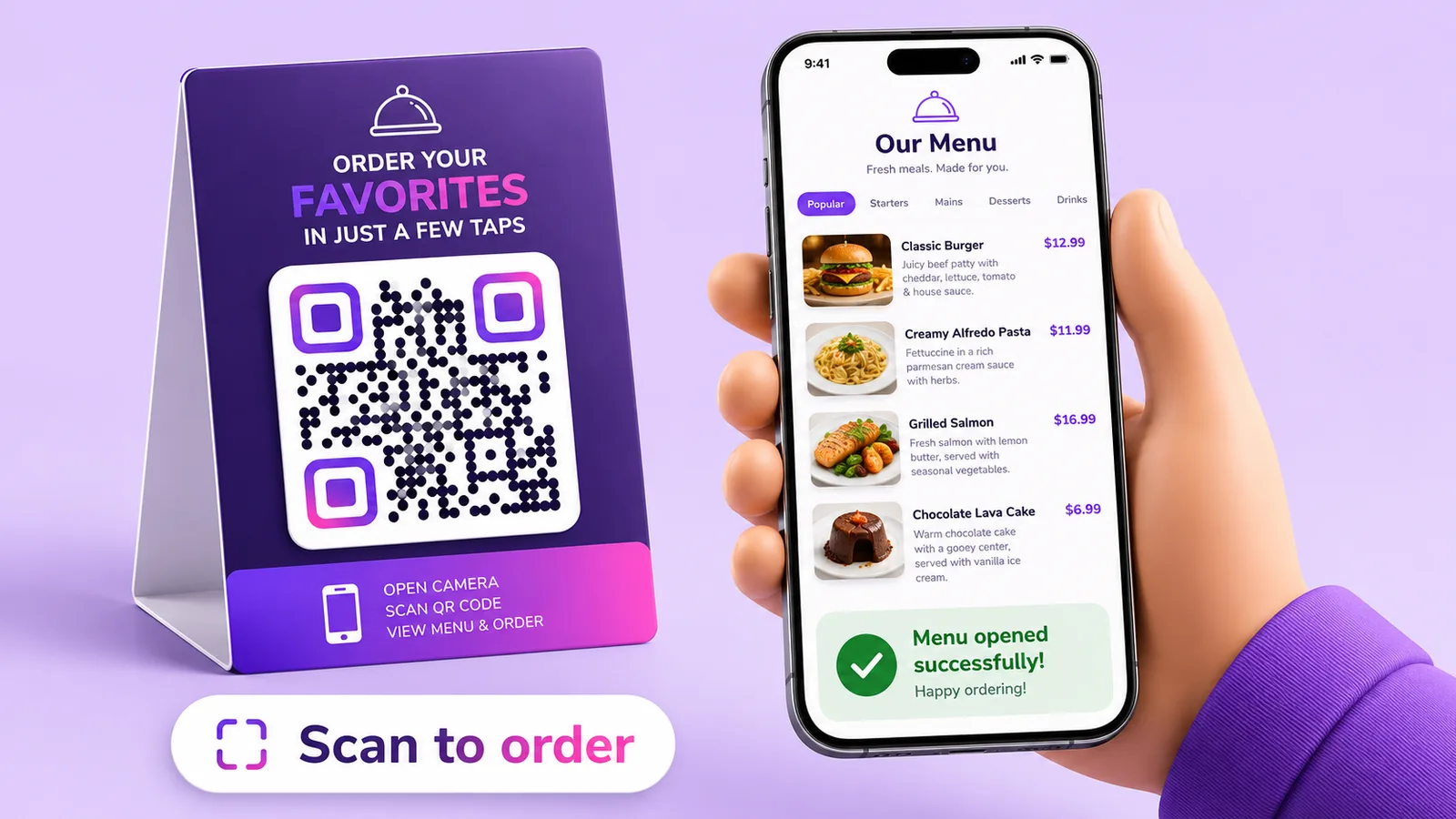
Two or three centimetres on a table tent is comfortable — the usual rule is roughly a tenth of the distance it is read from, and a table tent is read from arm's length. Go bigger on a window or a board by the door, which is read from the pavement. There is more on this in what size should a QR code be.
Two things specific to restaurants. Matte, not gloss: a laminated table tent under downlighters becomes a mirror, and a code you cannot photograph is a code that does not exist. And keep a light margin around the pattern — that blank border is part of the code, and it is the first thing a designer removes to fit the tent.
Label it. "Scan for our menu" removes the second of hesitation, and it tells a guest who would rather not that there is something here they are choosing to skip.
What dynamic actually buys you
Editing without reprinting is the obvious part: a price changes, a dish is off, you edit the destination and every code in the room is already current. That is the whole business case, and it is a good one.
The less obvious part is switching by time. The same square on the same table can serve the lunch menu at midday and the dinner list at six, which no printed card can do. A static code cannot do any of it — the URL is in the pattern, and changing it means reprinting every tent in the building.
You also get scan counts by hour, which is a reasonable proxy for when your tables actually turn.
Always keep a printed menu behind the bar
Some guests cannot use the code and some will not. A dead phone, no data, poor eyesight, a visual impairment, a guest who simply prefers paper — in several jurisdictions offering an accessible alternative is not merely good manners. Keep a handful of printed menus and hand one over without making it a negotiation. QR codes and accessibility covers who gets shut out and what to do about it.
Frequently asked questions
Do guests need an app?
No. Every current phone reads QR codes from the camera app and offers to open the link. What they do need is a working data connection, which is the part that actually fails — check the signal at your worst table before committing.
Should I link to a PDF or a web page?
A web page, without exception. A PDF is laid out for paper and forces pinching and zooming on a phone, which is the main reason people say they dislike QR menus. A page that reflows to the screen removes most of that complaint.
How big should the code on a table tent be?
Around 2–3 cm is comfortable at arm's length. Use a matte finish rather than gloss — a glossy laminate under ceiling lights reflects straight back into the camera — and leave a clear light margin on all four sides.
Can I show a different menu at lunch and dinner?
Yes, with a dynamic code, which can send scans to different destinations by time of day. The printed tent never changes. A static code points at one fixed URL and cannot do this.
Do I still need paper menus?
Yes, keep some. Between flat batteries, poor signal, eyesight and preference, a portion of your guests cannot or will not scan, and in some jurisdictions an accessible alternative is a requirement rather than a courtesy. Create a code free if you want to trial it on a few tables first.
The Enqre Team·Published on 7/4/2026·Updated 9/17/2026