By the Enqre Team·Published on 8/14/2026·Updated 8/16/2026
Dynamic QR Codes from Python, Node and C#
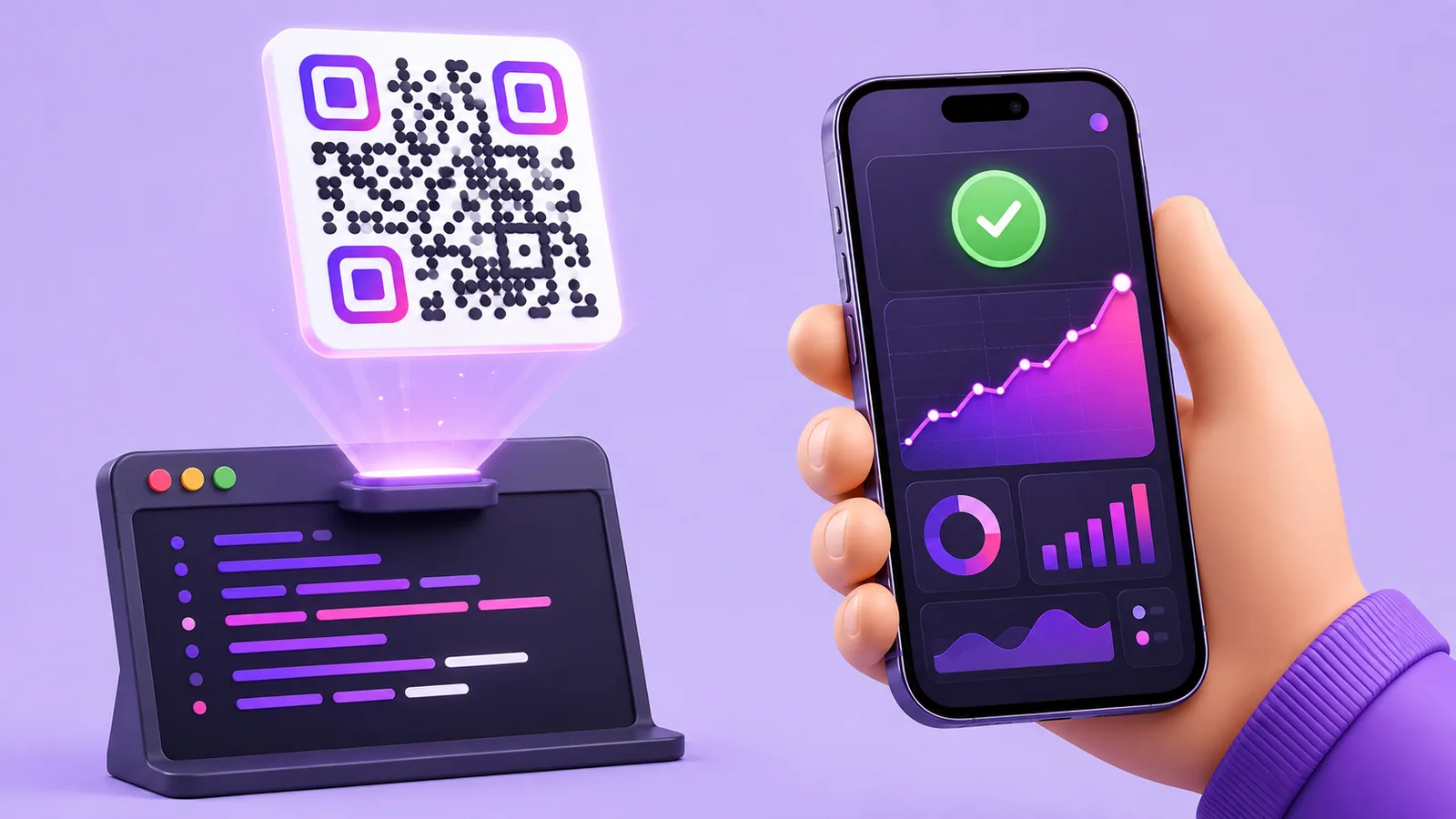
Every language here has a good local library: qrcode for Python, node-qrcode for Node, QRCoder for .NET. They draw PNG and SVG offline, with no key, no quota and no cost, and for a code whose destination never changes that is the entire answer. Use them.
The API exists for the other half of the problem, and it is worth stating precisely: a static code is its destination — the URL is inside the pattern, so moving the destination means reprinting everything. If what you are generating will be printed, stuck to a machine, or attached to a record that outlives this year's URL structure, the code needs to encode a short address you control, with the real destination behind it. That is a hosting job, not a drawing one, which is why no library can do it for you.
Creating a code
A key from the dashboard travels as a bearer token. All three examples do the same thing: create the code, then keep the id and the shortUrl.
Python
import os, requests

r = requests.post(
    "https://enqre.com/api/v1/qrcodes",
    headers={"Authorization": f"Bearer {os.environ['ENQRE_API_KEY']}"},
    json={
        "name": "Asset 4471 – service log",
        "url": "https://maint.example/assets/4471",
    },
    timeout=10,
)
r.raise_for_status()          # 4xx and 5xx become exceptions, not silence

code = r.json()["data"]
code["id"]        # store this against your record
code["shortUrl"]  # the address the QR image should encode
Node
const res = await fetch("https://enqre.com/api/v1/qrcodes", {
  method: "POST",
  headers: {
    Authorization: `Bearer ${process.env.ENQRE_API_KEY}`,
    "Content-Type": "application/json",
  },
  body: JSON.stringify({
    name: "Asset 4471 – service log",
    url: "https://maint.example/assets/4471",
  }),
});

// fetch does NOT throw on 4xx. Check the status or you will store undefined.
if (!res.ok) throw new Error(`enqre: ${res.status} ${await res.text()}`);

const { data: code } = await res.json();
Note the check. fetch resolves happily on a 402 or a 429, so without it a failed call stores undefined and you discover it at the printer.
C#
using var http = new HttpClient();
http.DefaultRequestHeaders.Authorization =
    new AuthenticationHeaderValue("Bearer", Environment.GetEnvironmentVariable("ENQRE_API_KEY"));

var payload = JsonContent.Create(new {
    name = "Asset 4471 – service log",
    url  = "https://maint.example/assets/4471",
});

var res = await http.PostAsync("https://enqre.com/api/v1/qrcodes", payload);
res.EnsureSuccessStatusCode();

using var doc = JsonDocument.Parse(await res.Content.ReadAsStringAsync());
var code = doc.RootElement.GetProperty("data");
var id       = code.GetProperty("id").GetString();
var shortUrl = code.GetProperty("shortUrl").GetString();
Moving the destination
This is the endpoint the whole idea rests on, and it is the same shape in any language:
PATCH https://enqre.com/api/v1/qrcodes/{id}
Authorization: Bearer enq_…
Content-Type: application/json

{ "url": "https://maint.example/assets/4471/v2" }
The printed code is untouched. The next scan goes somewhere new.
Reading the scans
GET /api/v1/qrcodes/{id}/scans answers with { total, data }, newest first, up to 1,000 records. Each record holds the time, the device type, the operating system and the browser.
No identity and no location — not a city, not a country. Worth knowing before you design a dashboard: "how many, when, on what kind of device" is answerable; "who" and "where" are not, and no amount of integration will change that.
What will actually go wrong
401 invalid_api_key— missing header or a replaced key.400 invalid_body— nearly always a URL that is not a URL. Validate before sending.402 plan_limit_reached— the account is at its code limit.429 rate_limited— over 60 requests a minute. Queue and spread; a tight retry loop makes it worse.
Each language hides failure differently, which is the one thing to get right per language. requests stays quiet unless you call raise_for_status. fetch only rejects on network errors, never on HTTP status. HttpClient needs EnsureSuccessStatusCode. All three examples above include the check for that reason.
Two rules worth more than the code
Make creation idempotent on your side. Ask twice and you get two codes for asset 4471 — and retries, timeouts and at-least-once queues all ask twice eventually. Store the returned id and check before creating.
Do not print what you have not read back. If the code is going onto something physical, fetch it once after creating and confirm the destination. One request, and it prevents the only mistake here that cannot be corrected afterwards.
When not to write an integration at all
If you need a few hundred codes once — a batch of assets, a set of rooms, a print run — a CSV upload is faster than any code you would write for it: two columns, name and destination, and each row becomes a dynamic code. Write the integration when codes appear continuously, at a moment nobody can predict.
Quick answers
- Best library for drawing?
qrcode,node-qrcode,QRCoder. None of them can make a code dynamic; that is a hosting problem. - Does the API return an image? No — it returns
shortUrl. Draw it locally at the size your print needs. - How do I authenticate?
Authorization: Bearer enq_…. - Rate limit? 60 requests per minute per account.
- Do the scans include location? No. Time, device, OS and browser.
- Can I change a code after printing? That is the entire point —
PATCHthe destination.