Come creare un QR code per coupon e sconti
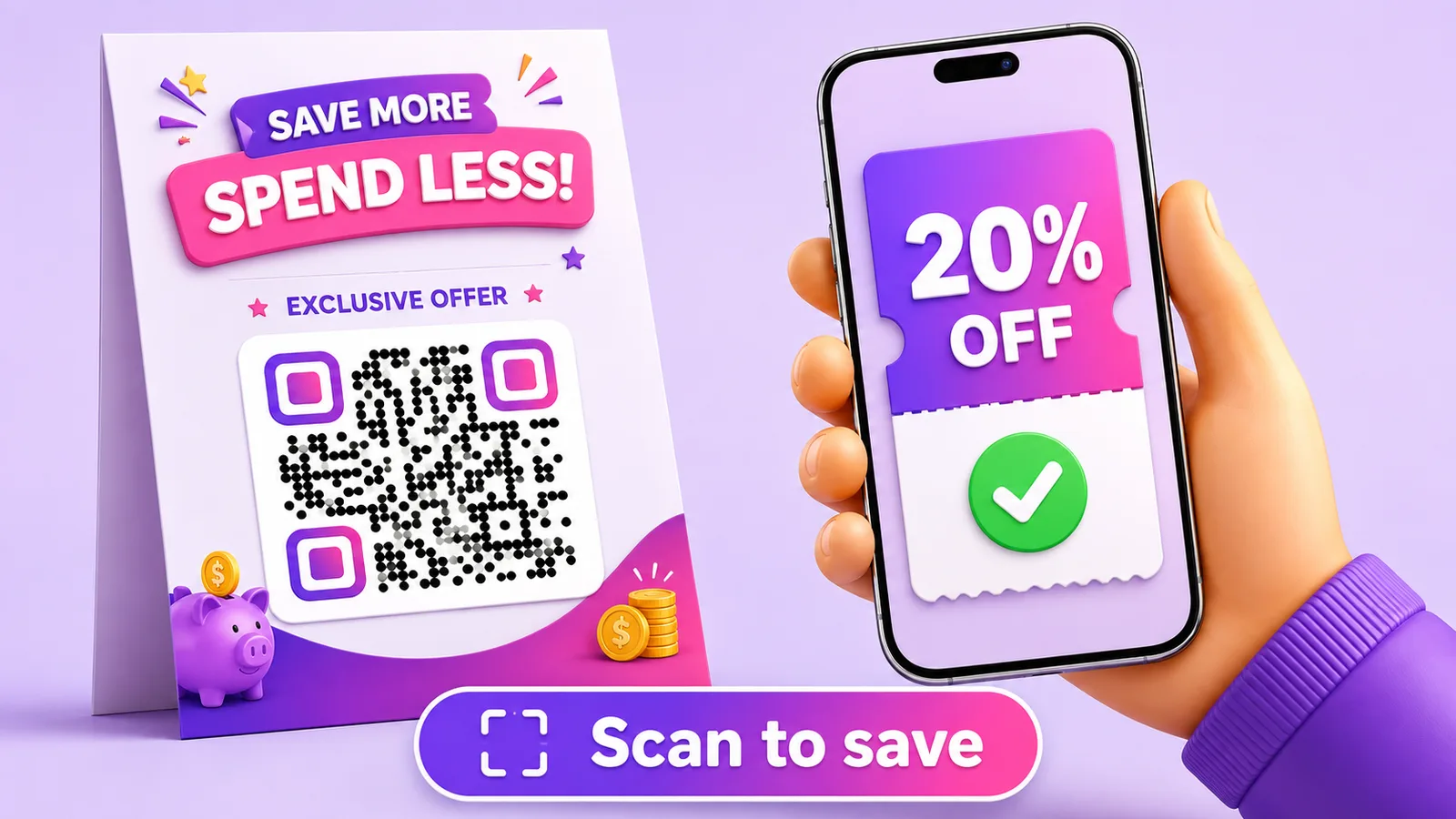
Un QR code promozionale fa due cose che un «SAVE20» stampato non fa: toglie la digitazione e ti dice quante persone si sono interessate. Quello che non può fare — e che la maggior parte degli articoli tace — è impedire a una persona di condividere l’offerta con mezzo internet.
Un codice significa un’offerta per tutti
È il vincolo da cui discende tutto il resto. Un QR code è l’immagine di un link. Ogni copia di quell’immagine punta allo stesso link, quindi ogni persona che scansiona ottiene lo stesso sconto, tutte le volte che vuole.
Per una promozione generale è esattamente quello che vuoi. Per qualunque cosa con un margine vero, capisci cosa hai pubblicato: una foto del tuo volantino caricata su un forum di offerte è uno sconto illimitato, e il codice non sa distinguere una cliente dentro il tuo negozio da uno sconosciuto a tre paesi di distanza.
Se ogni buono deve funzionare una volta sola, ti serve un codice diverso su ciascuno. Quella è la generazione in massa — un codice per buono, ciascuno con il suo link — ed è un lavoro diverso dal fare bene un codice.
Limitare i danni su un codice condiviso
Ammesso che un codice condiviso ti vada bene, uno dinamico ti dà le leve che lo rendono sostenibile.
Puoi fermarlo. Quando la promozione finisce, o quando il contatore delle scansioni fa qualcosa di inverosimile, la destinazione diventa una pagina «offerta conclusa» in pochi secondi: senza, un buono stampato pubblicizza all’infinito l’offerta della primavera scorsa. Puoi fissare una scadenza in anticipo, così una campagna stagionale si chiude da sola. E puoi sorvegliare i numeri: un buono condiviso da qualche parte di grosso non gocciola, fa un picco, e un picco dal paese sbagliato alle tre di notte è il segnale per ritirarlo.
Niente di tutto questo è possibile con un codice statico. Una volta stampato, il link è il link, per sempre e per tutti.
Dove puntarlo
Una pagina di destinazione con l’offerta e le sue condizioni è quasi sempre la scelta giusta. Enuncia le condizioni, cosa che un quadrato stampato non può fare, ed è una pagina che puoi correggere quando la formulazione legale si rivela sbagliata.
Mostrare un codice sconto da digitare alla cassa funziona quando il riscatto avviene online e il tuo sistema ha bisogno di un codice. Mandare le persone in una conversazione WhatsApp o in un messaggio diretto funziona quando il riscatto è una conversazione: prenotazioni, preventivi, tutto ciò che si tratta.
Quello che non funziona è puntare a un PDF. È la scorciatoia più frequente e produce un documento che nessuno riesce a leggere su un telefono senza ingrandire.
Non stamparlo sullo scontrino
Gli scontrini sono di gran lunga il supporto peggiore, e i consigli sulle promozioni li raccomandano di continuo.
Le stampanti termiche danno già poco contrasto di partenza, le testine si consumano, e la carta è fatta per sbiadire: a volte in poche settimane, più in fretta in un portafogli o in un’auto al sole. Le tue stesse raccomandazioni sul packaging valgono qui con più forza: che un codice si scansioni il giorno in cui è stato stampato non dimostra nulla, se il senso del buono è una visita di ritorno il mese prossimo.
Se deve finire su uno scontrino, stampalo più grande di quanto sembri necessario, tieni il contenuto corto perché i moduli restino spessi, e scansiona uno scontrino rimasto quindici giorni in tasca prima di impegnarti.
Cosa dicono davvero i numeri
Le scansioni misurano interesse, non riscatto. Il divario tra i due è la parte utile: molte scansioni con pochi riscatti significa che l’offerta attira e che la pagina o la cassa perdono le persone, un problema del tutto diverso dal fatto che nessuno scansioni.
Entrambi i numeri contano e arrivano da posti diversi: le scansioni dal codice, i riscatti dalla tua cassa. Cosa può e cosa non può dirti il lato scansione è in come misurare le scansioni, e le regole di reindirizzamento se vuoi mettere due offerte a confronto dallo stesso quadrato stampato. Altre idee di collocazione in marketing con i QR code.
Domande frequenti
Un QR code promozionale può essere monouso?
Non come codice condiviso: ogni copia dell’immagine porta lo stesso link, quindi l’offerta resta disponibile a tutti quelli che scansionano, ripetutamente. L’uso singolo richiede un codice e un link propri su ogni buono, generati in massa e tracciati uno per uno.
Cosa impedisce alle persone di condividere il mio buono online?
Niente lo impedisce. Quello che puoi fare è limitare l’esposizione: fissare una scadenza, sorvegliare la curva delle scansioni per cogliere un picco improvviso, e usare un codice dinamico perché la destinazione possa diventare una pagina «offerta conclusa» appena qualcosa non torna.
Posso vedere quante persone hanno riscattato e non solo scansionato?
Dal codice no. Conta le scansioni, che misurano interesse. Il riscatto lo registra la tua cassa o il tuo checkout, e la differenza tra i due numeri è di solito la cosa più istruttiva dell’intera campagna.
Posso cambiare l’offerta a volantini già stampati?
Con un codice dinamico sì: il quadrato resta identico mentre la destinazione passa a una nuova offerta o a una pagina di chiusura. Un codice statico ha l’URL fisso nel motivo, e l’unica modifica è ristampare.
Lo scontrino è un buon posto per un codice sconto?
È la peggiore delle scelte comuni. La carta termica ha poco contrasto anche da nuova e sbiadisce con il calore e il tempo; un codice pensato per far tornare qualcuno il mese prossimo può essere illeggibile per allora. Stampalo più grande del previsto e prova uno scontrino invecchiato. Creane uno gratis per provare le dimensioni prima della tiratura completa.
Il team Enqre·Pubblicato il 22/07/2026·Aggiornato 17/09/2026