How to Find Your Google Place ID (3 Ways)
Your Google Place ID is the unique code Google uses to identify your business, a string that usually starts with ChIJ. The quickest way to find it is Google's official Place ID Finder: type your business name and it shows the ID on the map. You can also read it from a Maps link or the Places API. Here is each method, plus what the Place ID is actually for.
What is a Google Place ID?
A Place ID is a permanent, unique identifier Google assigns to every place on Google Maps — your shop, restaurant, office or clinic. Unlike your name or address, which can change or be duplicated across town, the Place ID points at exactly one location. It is what the Google Maps Platform, review links and deep links use under the hood to be certain which business they mean.
Most Place IDs look like ChIJN1t_tDeuEmsRUsoyG83frY4: they usually begin with ChIJ, but the exact format is not guaranteed, so don't rely on the prefix.
Method 1: Google's Place ID Finder (easiest)
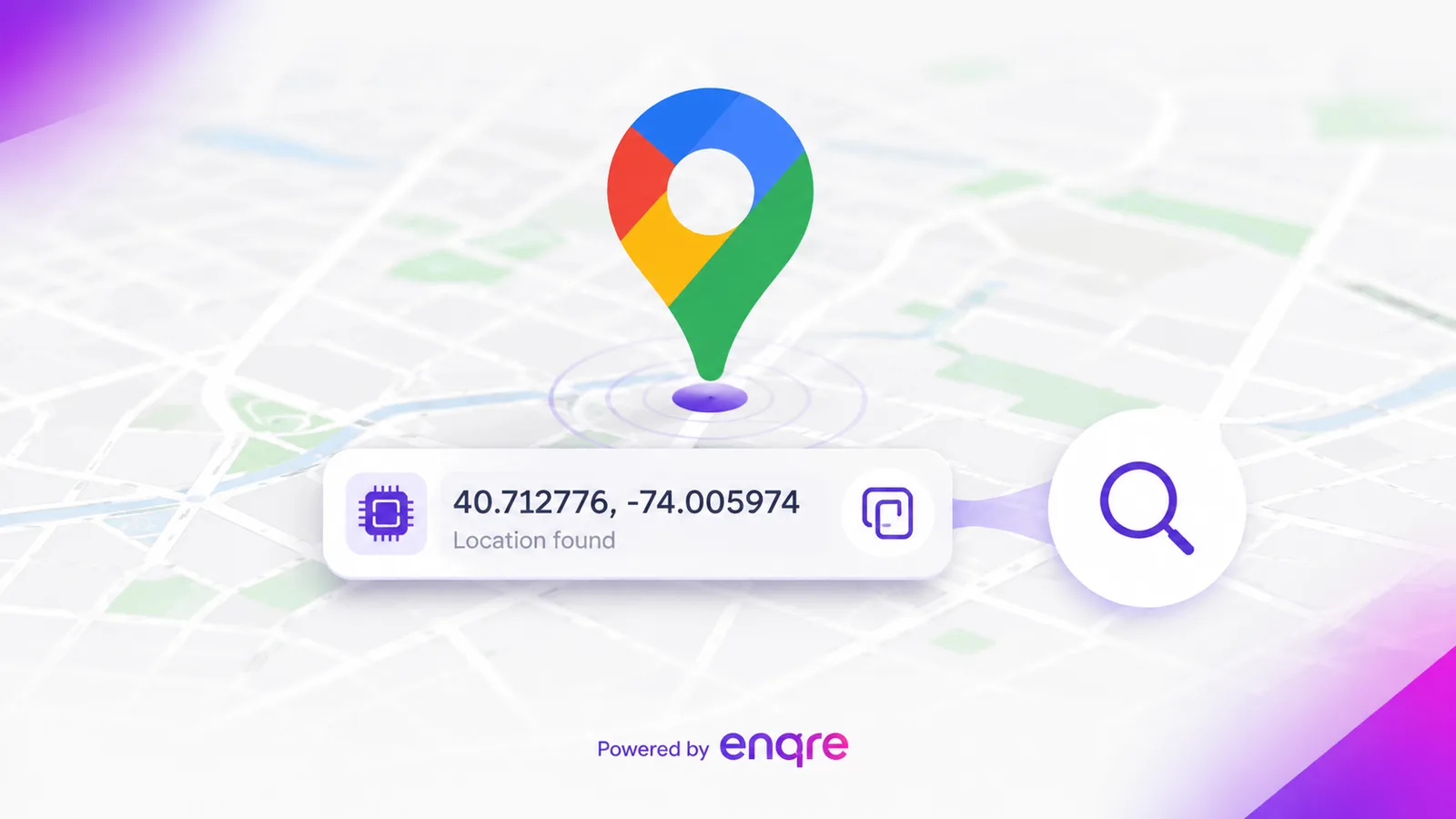
Google runs a free, official tool for exactly this. Open the Place ID Finder, type your business name into the search box on the map, and pick your listing. A small card shows the Place ID — copy it. This is the most reliable method and needs no code or account.
Method 2: From a Google Maps link
You can sometimes start from Maps directly: search your business on Google Maps, open the listing, and use Share, then Copy link. Be aware, though, that a shared Maps URL usually contains a different identifier (a CID or a hex "ftid"), not the clean ChIJ Place ID — so if you specifically need the Place ID, the Finder above is the dependable route.
Method 3: The Places API (for developers)
If you are building something, the Places API returns the Place ID for you. A Find Place or Text Search request on your business name comes back with a place_id field, and Place Details takes that ID and returns the full record. This is overkill for a one-off lookup, but it is the right path when you are automating across many locations.
What can you do with your Place ID?
The most common use is a direct "write a review" link. Google accepts the format https://search.google.com/local/writereview?placeid=YOUR_PLACE_ID, which opens the star-rating dialog for your business on phone and desktop. Drop it into an email, a landing page, or — most useful in the real world — a QR code on the table or receipt. Our free Google review QR code generator does exactly that: paste your Place ID and it builds the link and the code for you, with a test link so you can confirm it lands on the right business before you print.
Common snags
- You can't find your business. If it isn't on Google Maps yet, there is no Place ID to find — you need a verified Google Business Profile first.
- Several locations. Each location has its own Place ID; look up each one separately.
- The ID looks nothing like ChIJ. You have probably copied a CID from a Maps URL, not the Place ID. Use the Finder to get the real one.
Frequently asked questions
Does my Place ID ever change?
Treat it as stable — for the vast majority of businesses it never changes. Google can, rarely, refresh a Place ID (for example when listings are merged), so if a saved ID ever stops resolving, simply look it up again with the Finder.
What does a Place ID look like?
Usually a string of around 27 characters beginning with ChIJ, for example ChIJN1t_tDeuEmsRUsoyG83frY4. The format can vary, so match on the whole string, not the prefix.
Is the Place ID the same as the CID?
No. The CID is a separate numeric identifier that appears in some Google Maps URLs. The Place ID is the ChIJ… string used by the Places API and by review links. They are not interchangeable.
Do I even need a Place ID to collect reviews?
Not necessarily. Your Google Business Profile also gives you a short review link (a g.page/r/…/review address) under "Get more reviews" — that works too. The Place ID is the alternative when you don't have that link handy. Our review QR generator accepts either.
How do I turn my Place ID into a review link?
Put it into https://search.google.com/local/writereview?placeid=YOUR_PLACE_ID. Or skip the manual step and let the review QR generator build the link and a printable code for you.
The Place ID is only ever a means to an end, and for most businesses that end is a review link. Once you have the string, save it somewhere you will find it again — it almost never changes, and looking it up is the tedious part rather than using it. The review QR generator takes it from there.
The Enqre Team·Published on 8/11/2026·Updated 9/17/2026