How to Make a QR Code for Your Facebook Page
Facebook is the one platform where the code is the easy part and the destination is the problem. Making a QR for a Page takes a minute. Making sure the person who scans it actually sees the Page, rather than a login wall, is the part worth thinking about.
Facebook no longer gives you a code
It used to. Messenger codes — the circular pattern of dots around a profile picture — were retired, and nothing general-purpose replaced them. Meta Business Suite occasionally produces a QR inside an ads or local-business flow, but there is no reliable "download a code for my Page" button to point you at.
Which is fine, because a code made from the URL is better anyway: any camera reads it, you can brand it, and you can change what sits behind it later.
Check your URL before you encode it
This is the step that decides whether your code is clean or a dense mess. Facebook hands out two very different kinds of Page address:
facebook.com/YourBusiness— the username version. Short, readable, and a light payload for the code.facebook.com/profile.php?id=61551234567890— the fallback when no username is set. Roughly twice as long, most of it a meaningless number, and it produces a noticeably denser pattern for exactly no benefit.
If you are on the second one, set a username on the Page first. It takes a minute, it is free, and it is the difference between a code that prints comfortably on a counter card and one that needs to be bigger than you wanted. Strip any trailing ?ref= or locale parameters too — they are Facebook's own bookkeeping and add nothing.
The login wall is the real failure mode
A QR code cannot control what happens after the tap, and Facebook is unusually aggressive about what it will show a logged-out visitor. A public Page is generally fine. A specific post, a group, or an event is where it goes wrong: a private group link lands on a join request, and events and posts frequently prompt for a login before showing anything.
So before you print, test the destination in a private browsing window on a phone with no Facebook session. What you see there is what a fair number of scanners will see. If it is a wall, point the code somewhere public and let the Page do the work of pulling people further in.
Sending a scan into Messenger
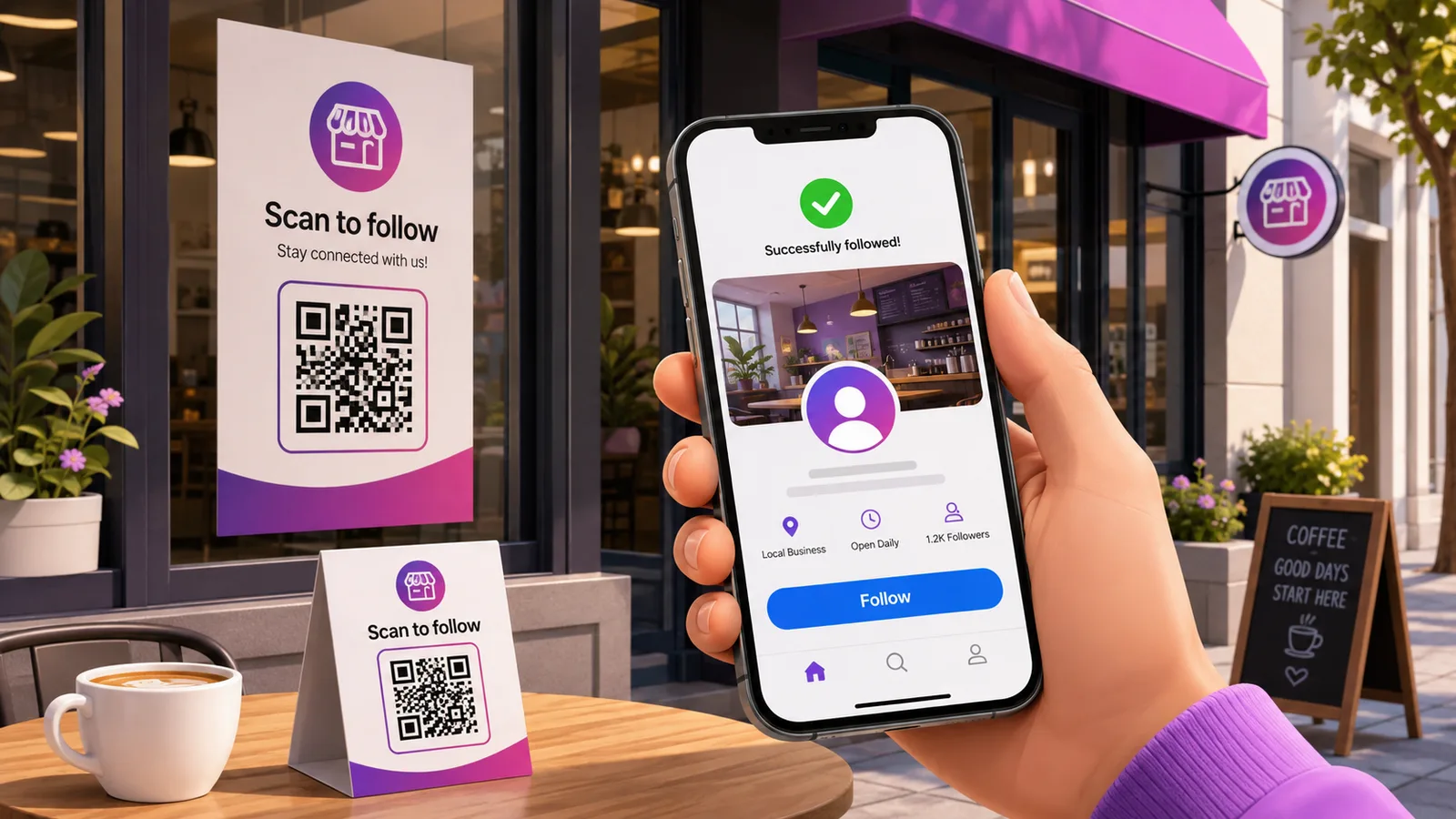
If the point of the code is "start a conversation" rather than "follow us", m.me/YourBusiness opens a Messenger chat with you directly. It is about as short as a link gets, so the code is sparse and prints small very well — good on a window sticker or a table card.
The same username caveat applies: m.me needs one. And if your customers are more likely to be in WhatsApp than Messenger, read QR codes for WhatsApp before committing a print run to the wrong app.
Static or dynamic here
A Page URL is one of the more durable things you can point at — it survives rebrands, and you control it. For a window sticker that says "follow us", static is defensible.
It stops being defensible the moment the code is meant to promote something. A flyer pointing at this month's event is pointing at a thing that expires, and a dynamic code lets that flyer mean something different in March without a reprint. The same reasoning applies to anything on packaging, which outlives every campaign printed on it. If you are cross-promoting from Instagram or YouTube, there are more placement ideas in QR code marketing.
Frequently asked questions
Does Facebook still have Messenger codes?
No. The scannable Messenger codes were discontinued and there is no direct replacement. A QR code made from your Page, profile or m.me link does the same job and works with any phone camera rather than only inside Meta's apps.
Why is my Facebook QR code so dense?
Almost certainly because your Page has no username, so the URL is the long profile.php?id=… form with a fifteen-digit number in it. Setting a username shortens the link substantially, which means fewer modules, larger squares, and a code that tolerates being printed small.
Will the code work for someone not logged into Facebook?
For a public Page, usually yes. For a group, an event or an individual post, often not — Facebook shows a login or join prompt instead. Test the destination in a private browsing window before you print, because that is the experience a logged-out scanner gets.
Can I make a code that opens a Messenger chat?
Yes. Use m.me/YourBusiness as the destination and scanning opens a chat with your Page. It requires a username on the Page, and it is a very short URL, so the resulting code is one of the easiest to print at small sizes.
Can I change where it points after printing?
Only if it is dynamic. A static code has the URL fixed in the pattern. A dynamic one keeps the printed square identical while the destination moves — from the Page to an event and back again. Create one free if the print run will outlive the campaign.
The Enqre Team·Published on 8/11/2026·Updated 9/17/2026