How to Make a QR Code for Spotify
Spotify gives you a code of its own, and it is the wrong one to print. Spotify Codes scan only inside Spotify's own camera, which means they work for people who already have the app open and nobody else. A QR code built from the share link opens in any phone camera, on any phone, whether or not Spotify is installed.
Why the Spotify Code is not the one to print
A Spotify Code is the little bar of dots under the cover art in the app. Point a normal phone camera at it and nothing happens — no prompt, no error, just a camera looking at a picture. It is a shortcut between two people who are both already inside Spotify, and on a poster or a record sleeve that is exactly the wrong assumption. A QR code makes none of it: any camera reads it, and someone without the app lands on the web player or the store page instead of a dead end.
Copy the link, then delete half of it
Tap the three dots on a track, album, artist, playlist or episode, then Share, then Copy link. What lands on your clipboard looks like this:
open.spotify.com/track/4cOdK2wGLETKBW3PvgPWqT?si=8f2c41d9b0e4
Everything from the ?si= onwards is Spotify's own share-tracking tag, and it is dead weight in a QR code. Cut it. You lose nothing — the link opens exactly the same thing — and you shave roughly a quarter off the characters the code has to carry, which means fewer modules, fatter squares, and a code that survives being printed small. If you are putting this on a sleeve insert or a bottle neck tag, that difference is the whole game.
Point it at the thing that will still exist next year
A track link is the obvious choice and usually the wrong one. Singles get folded into albums, playlists get rebuilt, and the poster is still on the wall. The artist page is the link that does not rot.
The exception is when the specific thing is the point — a single you are pushing this month, one episode of a podcast, a playlist made for a particular room. Then link it directly, and make the code dynamic so you can move it to the album on release day without reprinting anything.
Printing it
Two things go wrong, and both are avoidable.
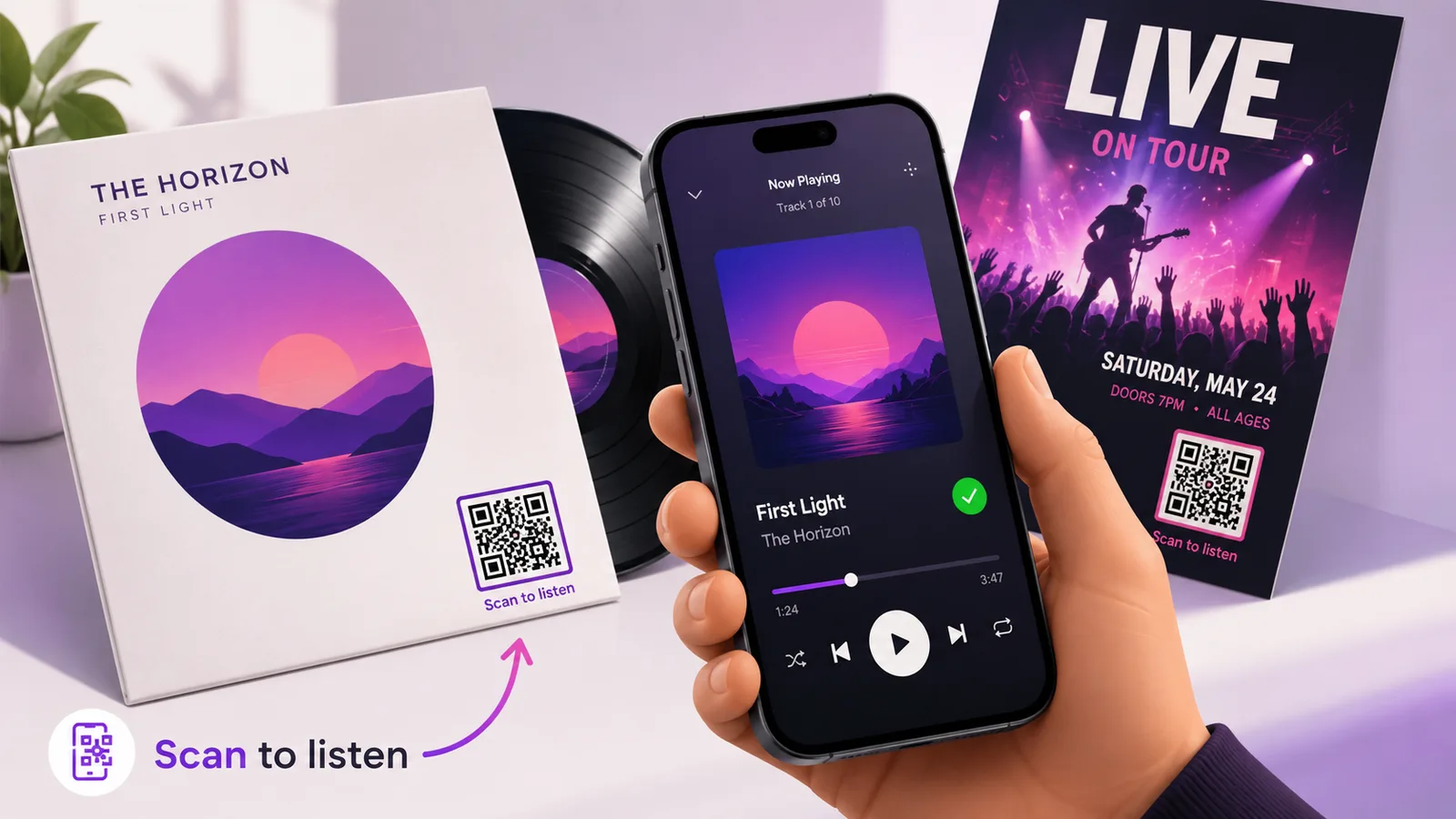
The first is contrast. Music artwork is dark, and a QR code laid over a dark sleeve in a slightly-lighter grey is a code that scans in the studio and fails in the shop. Keep it dark-on-light, and if the design will not allow that, give it its own light panel rather than fighting the artwork.
The second is finish. Vinyl sleeves and CD inserts are usually gloss-laminated, and gloss under a shop's ceiling lights is a mirror. Matte, or a matte spot over the code, costs nothing at the print stage and cannot be fixed afterwards. There is more on this in QR codes on product packaging.
When one code is not enough
Musicians almost never want to send people to one place. Spotify, Apple Music, Bandcamp, the tour dates, the merch — a single square on a flyer cannot do all five. That is what a link hub is for, and it is worth reading before you commit a design to print. The same reasoning applies if you are cross-posting from Instagram or YouTube.
Frequently asked questions
Can a normal phone camera scan a Spotify Code?
No. Spotify Codes are read only by the camera inside the Spotify app, reached through the search bar. A phone's own camera app will not recognise one, and it will not tell the person why.
Is it safe to delete the ?si= part of a Spotify link?
Yes. It is a share-source tag Spotify appends so it can see where a link was passed around. The link resolves to the same track, album or playlist without it, and dropping it makes the QR code meaningfully less dense.
Should I use the spotify: URI instead of the https link?
No. spotify:track:… is an app-only scheme: it opens Spotify instantly if the app is installed, and does nothing at all if it is not. The open.spotify.com link handles both cases, so it is the one to encode.
Will the code work for someone who does not have Spotify?
Yes. They get the web player or a prompt to install the app, depending on the phone. Either way they reach the music rather than a blank screen — which is the main reason to use a QR code rather than a Spotify Code in the first place.
Can I change where it points after the sleeves are printed?
Only if you made it dynamic. A static code has the URL baked into the pattern and there is no editing it. A dynamic one keeps the printed square identical and lets you move the destination — a pre-save link before release, the track itself afterwards, the album once there is one. Create one free if you want that option before you go to print.
The Enqre Team·Published on 8/11/2026·Updated 9/17/2026