How to Make a QR Code for TikTok
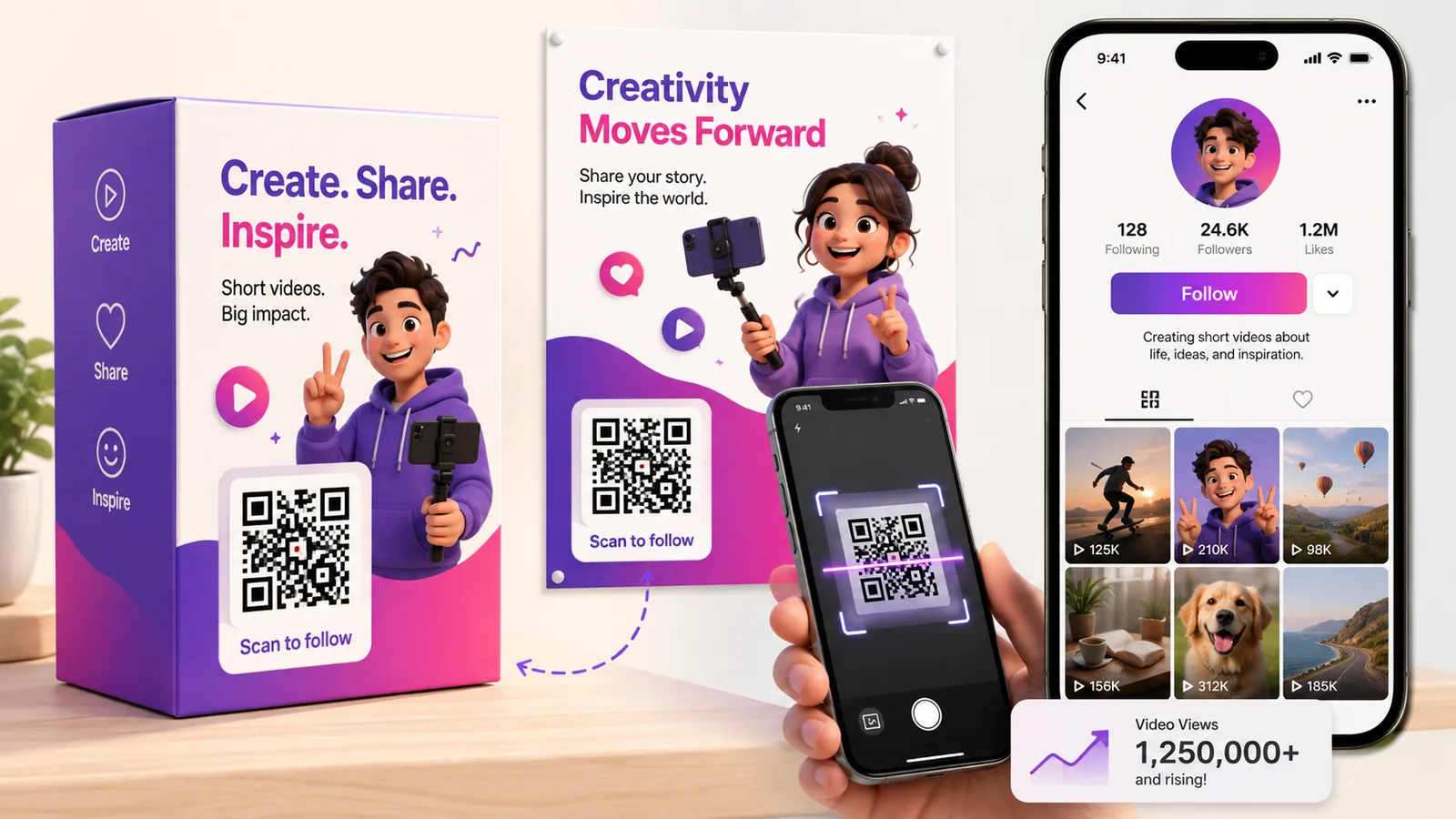
TikTok already gives every profile a QR code, and for most purposes it is fine. It stops being fine the moment the code leaves the app — on a box, a poster, a sticker on a shop window — because at that point you want to know how many people scanned it, and you want to be able to change where it goes without reprinting anything.
What TikTok's own code does and does not do
Open your profile, tap the menu in the top corner, tap QR code. That square is a genuine QR code — any phone camera reads it, not just TikTok's. This is worth stating plainly because it is often written up as though it were an app-only gimmick. It is not.
What it cannot do is anything after the scan. It has TikTok's styling and not yours, it reports nothing back, and it points at your profile permanently. If that is all you need — a code on a slide at a meetup, a screenshot in a group chat — use it and move on.
The link, and the part of it you should delete
Your profile lives at tiktok.com/@yourhandle. That is a short URL, which matters more than it sounds: a code carrying thirty characters has far fewer modules than one carrying ninety, so it stays readable when printed small and survives a rough print run. It is one of the easier codes to get right.
The trap is the share sheet. Tap Share, then Copy Link, and TikTok hands you something like:
https://www.tiktok.com/@yourhandle?is_from_webapp=1&sender_device=pc
Those two parameters are TikTok telling itself where the link came from. They do nothing for you and they add characters to the pattern for no return. Trim back to the bare profile URL before you generate anything.
Linking to a video, and why that ages badly
A video link works the same way, but think about the timescale. A sticker on a package might be scanned nine months after you printed it, and by then the clip you were pushing is buried and the campaign is over. Point a printed code at a single video only if the printing is as short-lived as the video — a flyer for one weekend, a screen at one event.
For anything with a shelf life, point it at the profile, or make it dynamic so the destination can move on when the campaign does. That is the whole argument for a dynamic code on packaging: the box is printed once and the thing you are promoting is not.
One code cannot mean "follow me" and "buy this"
The most common mistake is asking a single square to do too much. A scan is one tap and one intention. If the sticker says follow us on TikTok, send them to the profile. If it says see how this was made, send them to the video. If you genuinely need to offer several destinations at once — TikTok, Instagram, YouTube, the shop — that is a link hub, and it is a different design decision, not a different link.
Frequently asked questions
Can a normal phone camera scan TikTok's built-in QR code?
Yes. TikTok's profile code is an ordinary QR code with a logo in the middle, and any camera app will read it and offer to open the profile. The limitation is not scanning — it is that you cannot brand it, count it or re-point it.
Should I remove the is_from_webapp part of a TikTok link?
Yes. It is TikTok's own attribution tag, recording that the link was copied from the web app. It has no effect on where the link goes, and stripping it makes the QR code less dense and easier to print small.
How do I make a code for one specific TikTok video?
Open the video, tap Share, then Copy Link, and strip the tracking parameters. Be careful with the vm.tiktok.com short links the share sheet sometimes gives you — they are TikTok's own redirect, which means your printed code now depends on two services staying up instead of one. The full tiktok.com/@handle/video/… URL is longer but more durable.
Can I count scans on TikTok's own code?
No. TikTok reports profile views, but it cannot tell you which of those arrived by scanning a square on a poster rather than tapping through the app. Counting scans means making the code yourself as a dynamic one, which routes each scan through a link that can be measured.
Can I change where the code points after it is printed?
Only if it is dynamic. A static code has the URL in the pattern, so the only edit is a reprint. A dynamic code keeps the printed square identical and lets the destination move — profile now, campaign page later, a different clip next month. Create one free if you want that before committing to a print run.
The Enqre Team·Published on 8/11/2026·Updated 9/17/2026