Published on 8/12/2026
How to Make a QR Code for Coupons and Discounts
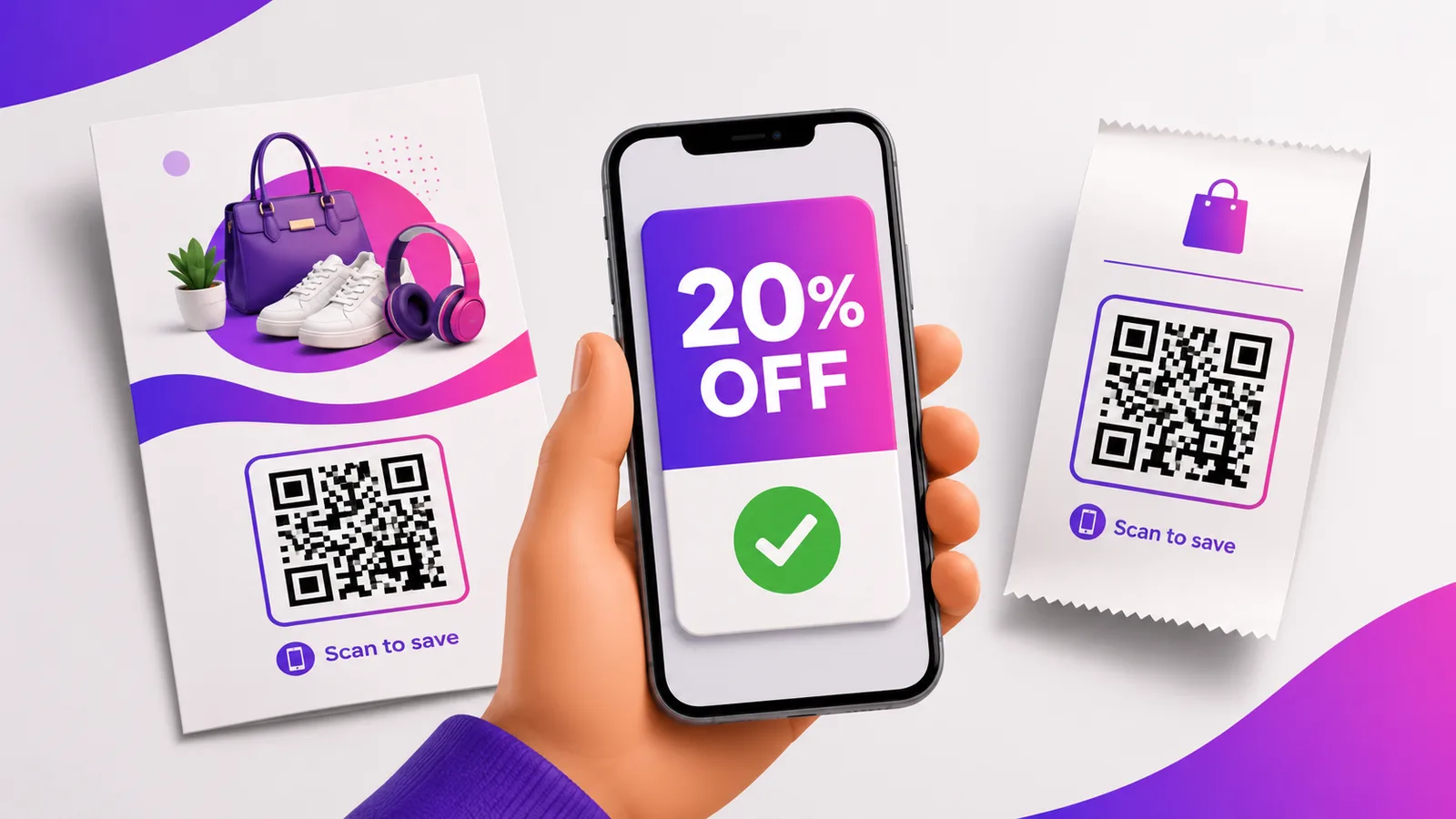
A QR code turns a coupon into a single scan: no discount code to read out or mistype, every scan counted, and the offer changeable without a reprint. Point the code at your deal, and one square on a flyer or receipt becomes a measurable promotion. Here is how to set it up.
Why a QR coupon beats a printed code
A printed code like "SAVE20" has to be typed, often wrong, and you never learn how many people saw it. A QR code removes the typing and gives you numbers: with a dynamic code you can see how many scanned, and you can change or end the offer at any time — so the same printed coupon is never stuck advertising last month's deal.
What to point the coupon QR at
- A landing page with the offer and terms — the clearest choice: the deal, the conditions and a clear "how to use it".
- A discount code shown on scan — the page reveals the code to enter at checkout.
- A chat to claim it — a WhatsApp or DM link where the customer redeems.
A dynamic code lets you point at a promo page you control and swap it later.
Rotate and measure offers with a dynamic code
One code on a flyer, receipt or pack can run "20% off" this week and "buy one, get one" next — same printed square, new deal, no reprint. You also get scan counts, and with redirect rules you can show a different offer by time or split-test two. See how to track scans. Create one free.
One shared offer vs one-time-use codes
A single QR carries the same link for everyone, so the discount is the same for all who scan — perfect for a general promo. If you need a code that each person can use only once, you need unique codes and links, a different QR on each item or voucher. That is what bulk generation is for.
Where to put it
- Flyers, receipts and loyalty cards — a scan-to-save at the point of purchase.
- Product packaging — a repeat-purchase nudge. See QR codes on packaging.
- In-store signage and window displays — turn a browser into a buyer.
- Ads and email — measurable offline-to-online.
More in our QR code marketing ideas.
Frequently asked questions
How do I make a coupon QR code?
Point a QR code at your offer — a landing page, a discount code or a claim link. Make it a dynamic code so you can change the deal and see how many people scanned.
Can I track how many people redeem the coupon?
You can track scans directly with a dynamic code. Actual redemptions depend on your checkout, but the scan count is a strong, immediate proxy for interest.
Can I change the offer after printing?
Yes, with a dynamic code. The printed square stays the same while you swap the destination — a new deal, or an "offer ended" page when it is over.
Can I make each coupon single-use?
Not with one shared code, which gives everyone the same link. For single-use, generate unique codes in bulk and put a different one on each voucher or item.
Can I set the coupon to expire?
Yes — set an expiry on a dynamic code, or simply point it at an "offer ended" page when the promotion closes.
Make a trackable coupon code you can change any time — create a dynamic QR code free, no card needed.