Published on 8/12/2026
How to Make a QR Code for Telegram (and Actually Grow Your Channel)
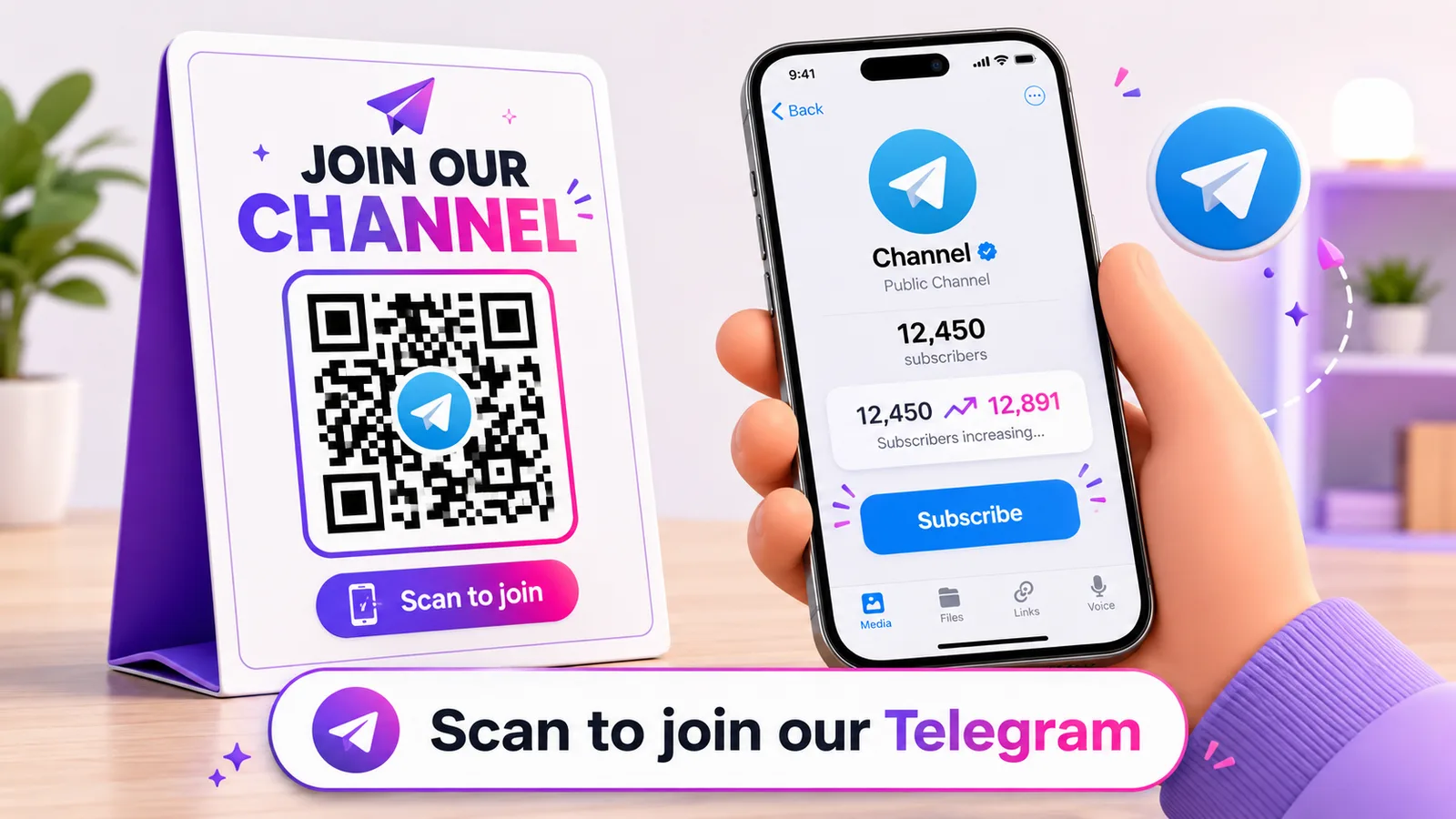
Telegram grows differently from Instagram or TikTok. There is no feed quietly recommending your channel to strangers — almost every subscriber arrives because you put your link somewhere they saw it. A QR code is the shortest bridge from that somewhere — a poster, a receipt, a product box, a story on another app — straight into your channel, group, chat or bot. Do it well and it also tells you which of those places is actually pulling its weight.
Start with the right t.me link — it decides where the scan lands
Everything on Telegram hangs off t.me links, and choosing the wrong one is the most common mistake. Match the link to what you want the scan to do:
- Public channel or group:
t.me/yourname. Never expires, opens the channel with a Join button. This is what you want on anything printed. - A chat with you:
t.me/yourusernameopens a direct message to you — good on a business card or a support sign. - Private group or channel: use the invite link from Invite Links (
t.me/+AbC…). Careful here — these can be set to expire or to cap the number of joins, and a printed QR that suddenly stops working is worse than none. For print, use a link with no limit, or a public link. - A bot:
t.me/YourBot— and this is where it gets interesting, because you can bolt a parameter onto it. More below. - A specific post:
t.me/yourchannel/123jumps to that message.
Telegram can also show a QR for your profile inside the app — Settings, then tap the little QR icon. It works, but that image lives in the app, you cannot brand it, and you learn nothing about who scanned. Fine to flash across a table; wrong for a poster. For anything printed, build your own from the t.me link.
Make it a code you can measure and move
Paste your t.me link into a generator and download it. For print, reach for a dynamic code: the printed square never changes, but you can repoint it later — say, from a launch channel to your main one — and, the part that matters for growth, you can see how many people scanned it, when, and on which kind of device. A static code gives you none of that. Create one free, paste your link, and download it for print.
The growth trick: know exactly which QR brought the join
"We put up some QR codes" is not a growth plan. Knowing that the counter code out-pulled the window code three to one — that is. Two ways to get there:
- Bot start parameters. If your entry point is a bot, give each placement its own link:
t.me/YourBot?start=cafe,t.me/YourBot?start=expo,t.me/YourBot?start=box. When someone opens the bot, it receives that word, so your bot can record where the person came from. Now every flyer, table and box is a labelled source. - A separate dynamic code per placement. No bot required: make one dynamic code per spot, all pointing at the same channel, and compare their scan counts. Pair it with redirect rules to A/B two calls-to-action, and read the results in your scan analytics.
Either way, you stop guessing. You move the codes that work to the front and quietly retire the ones that do not.
Where a Telegram QR actually pays off
Telegram rewards audiences you can reach directly, so the best placements are the ones that convert a moment of attention into a subscriber:
- Offline-first communities. Cafés, gyms, barbers, local shops, meetups and markets — a channel for offers and updates, with the QR on the table tent, the receipt or the door.
- Cross-posting from platforms you do not own. A story or bio QR on Instagram, YouTube or TikTok that funnels people into Telegram, where no algorithm sits between you and them.
- Product boxes and inserts. A community or support channel, or a bot for warranty and how-tos, printed on the packaging — see QR codes on packaging.
- Bots that do a job. Bookings, orders, support, a giveaway — and the
?start=parameter makes every entry point measurable.
If you also run WhatsApp, the same thinking applies — see QR codes for WhatsApp — and there are more placement ideas in our QR code marketing playbook.
The bits that trip people up
Does Telegram have its own QR code?
Yes — in Settings, tap the QR icon on your profile. It is app-only and untrackable, though: perfect to show someone sitting across from you, wrong for anything you print and want to measure.
Public link or private invite link?
A public t.me/name link never expires and is the safe choice for print. Private invite links can be set to expire or to stop after a number of joins, so never print one of those on something you cannot recall.
Will it open the Telegram app?
If Telegram is installed, yes. If not, the t.me link opens a web page with an "Open in Telegram / install" prompt, so a scanner without the app still reaches you instead of a dead end.
Can I change which channel it points to after printing?
Only with a dynamic code. A static code bakes the link in; a dynamic one keeps the same printed square and lets you repoint it — invaluable if you rebrand or spin up a new channel.
How do I know which QR actually worked?
Bot start parameters give you a labelled source per placement; a separate dynamic code per spot lets you compare scan counts. Use whichever fits — the point is to measure, not guess.
Make a Telegram code you can track and repoint at any time — create a dynamic QR code free, no card needed.