Published on 8/11/2026
How to Make a QR Code for TikTok
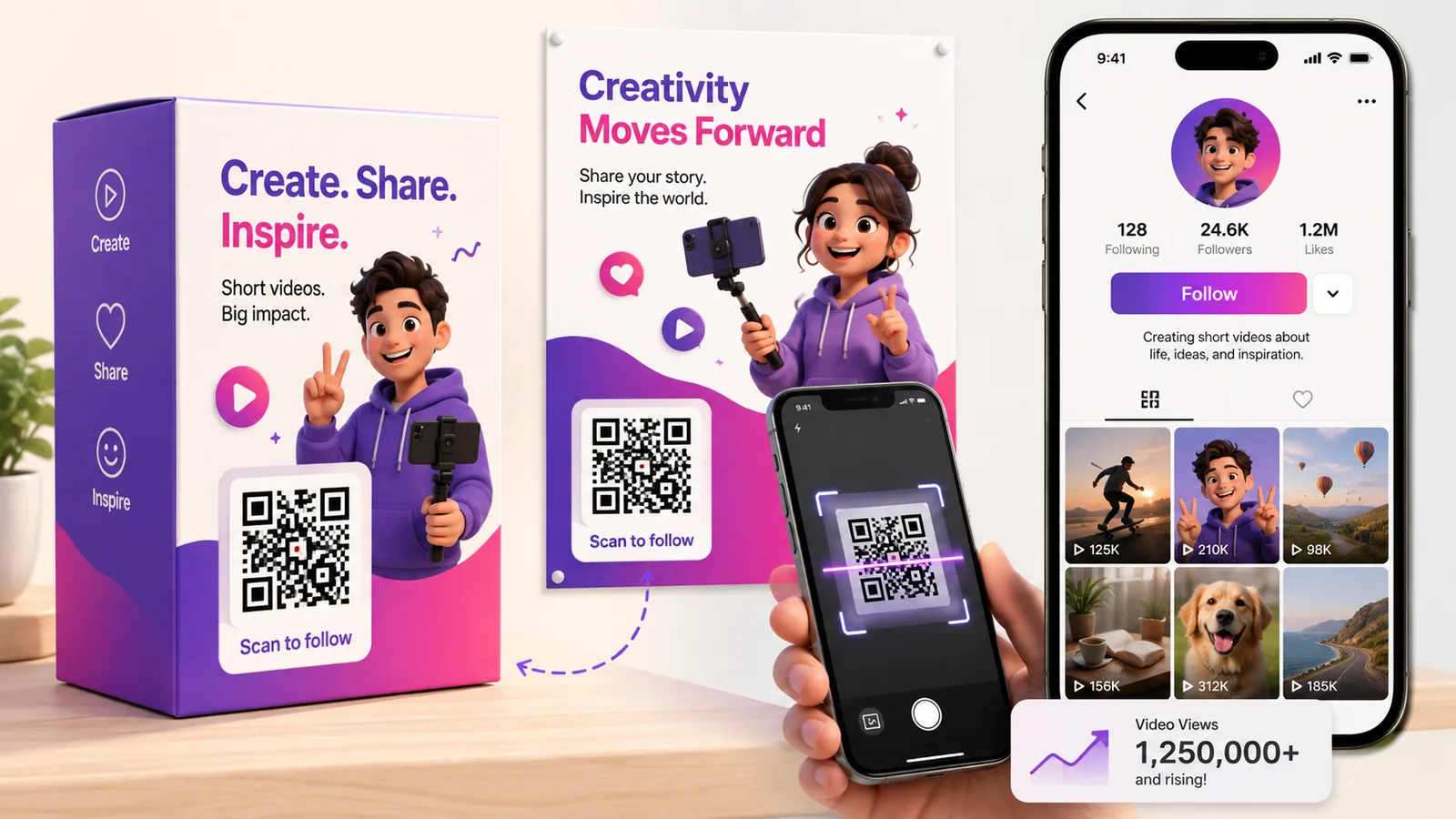
You can make a QR code for TikTok two ways: TikTok's built-in profile code inside the app, and a QR code you create yourself from your profile link. The in-app code is quickest; a code you own can be tracked, branded and pointed anywhere — which matters the moment it goes on packaging, a poster or another platform. Here is how to make both.
Option 1: TikTok's in-app profile code
TikTok has a built-in code for every profile:
- Open your TikTok profile and tap the menu (☰) in the top corner.
- Tap "QR code".
- Show it for someone to scan, or tap "Scan" to read another code.
It is free and opens your profile instantly. The limits: it only lives in the app, you cannot add your branding, and you cannot see how many people scanned it or send it anywhere other than that profile.
Option 2: A QR code you control
For anything printed or off-platform, a code you own works harder. Your profile has a stable link — tiktok.com/@yourhandle — and turning it into a QR code gives you one you can:
- Brand — colours and a logo to match your packaging or poster.
- Track — see how many scans came from each place you put it.
- Redirect — point it at a specific video, a new campaign or a link hub later, without reprinting.
The redirect is the big one: with a dynamic code the printed square stays the same while its destination changes — so one code on your packaging can point at whatever you are promoting this month. Create one free, paste your TikTok link, and download it.
Point it at a video, not just your profile
A TikTok QR does not have to open your profile. Paste a specific video URL to send scanners straight to that clip, or a link-hub URL to offer several destinations at once. If you are weighing that up, see QR code vs link in bio.
Where to put it
- Product packaging and inserts — turn a buyer into a follower. See QR codes on packaging.
- Posters, flyers and window displays — physical footfall to your feed.
- Your other platforms — drop it in an Instagram story or a YouTube end screen. More on Instagram and YouTube codes.
- Events and pop-ups — a scan-to-follow sign on the table.
Frequently asked questions
Does TikTok have its own QR code?
Yes — open your profile, tap the menu, then "QR code". It opens your profile when scanned, but it stays inside the app and cannot be tracked or branded.
How do I make a QR code that opens a specific TikTok video?
Open the video, tap Share, then Copy Link, and turn that URL into a QR code. As a dynamic code you can even swap which video it points to later.
Can I track scans on my TikTok QR code?
Not with TikTok's built-in code. Make your own from the profile or video link as a dynamic code and you get scan counts by time and device.
Can I change where my TikTok QR code goes after printing?
Only if it is dynamic. A static code fixes the link forever; a dynamic one keeps the same printed code but lets you redirect it — useful for packaging that outlives one campaign.
What is the best link to put in a TikTok QR code?
Your profile for follows, a single video to push one clip, or a link hub if you want to offer several options. Match the link to what the scan is for.
Make a TikTok code you can track and change — create a dynamic QR code free, no card needed.