Reading a 20-character Wi-Fi password out loud to every guest is a small, repeated annoyance — for cafés, hotels, clinics, coworking spaces and anyone hosting visitors. A QR code removes it. This guide explains the two ways a Wi-Fi code can work, which one suits your situation, and how to place and maintain one.
Two kinds of Wi-Fi QR code
They look identical but behave differently, and the difference matters more than most guides admit.
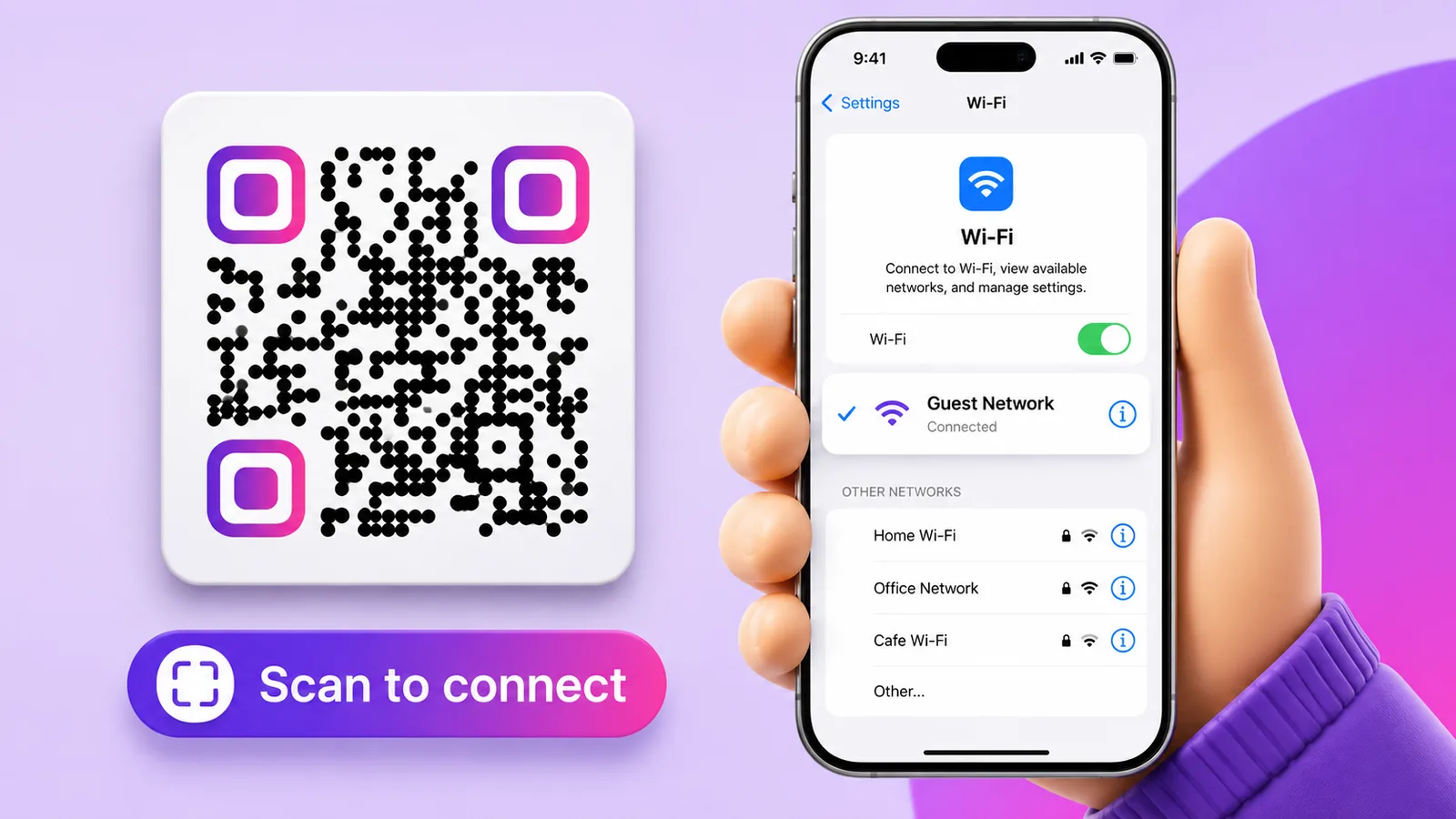
- Auto-join (static). The code encodes the network name, security type and password directly, using a standard
WIFI:payload. The phone recognises it and offers "Join network". One tap, no typing. The catch: the password is baked into the pattern, so changing it means printing a new code — and anyone who photographs the code has your password forever. - Credentials page (dynamic). The code points to a short link that opens a page showing the network name and password with a copy button. The guest copies and joins from Wi-Fi settings — one extra tap. In exchange you can change the password whenever you like, and the printed code keeps working.
Enqre's Wi-Fi type is the second kind: scanning opens a clean page with the network and password, each with a copy button. That is a deliberate trade-off — the tap costs a second, and being able to rotate the password without reprinting every table tent usually wins.
Which one you want
- Home guest network, password you never change: auto-join is the smoothest.
- Café, hotel, office, rental: a credentials page, because the password will change — after staff turnover, an incident, or simply on schedule.
- Event or pop-up: a credentials page, since you can also repoint the same printed code to a schedule or feedback form once the event ends.
How to create one
- Pick the Wi-Fi type in your generator.
- Enter the network name exactly as it is broadcast — SSIDs are case-sensitive, and a trailing space is a real difference.
- Enter the password and pick the encryption: WPA/WPA2, WEP, or "no password" for an open network.
- Design it if you like — colours, logo, a frame with "Free Wi-Fi — scan to connect".
- Download SVG or print-ready PDF, print, and test with one iPhone and one Android before you print fifty.
Where to put it
- Table tents and menus in cafés and restaurants — the most-scanned placement there is.
- Reception desk and waiting rooms, at eye level, not flat on a counter where glare hits.
- Hotel rooms and rentals: next to the TV or on the welcome card, where guests look first.
- Meeting rooms: on the wall by the display, so visitors do not interrupt the meeting to ask.
- Guest badges for offices with a separate visitor network.
Keep the guest network separate
Whichever code you use, put visitors on a guest network isolated from your own devices, printers and point-of-sale. A QR code makes access easier for everyone — including the person sitting outside in a car. Client isolation on, a password that is not your admin password, and rotation on a schedule.
Why codes fail in practice
- SSID typed from memory instead of copied — one wrong character and nothing connects.
- Wrong encryption — an auto-join code that calls a WPA2 network open will fail to connect.
- Printed too small. A static auto-join code carries the whole password, so its pattern is dense and needs more room; a dynamic short link stays coarse. Either way, give it at least 2.5–3 cm on a table tent.
- Glossy lamination under a ceiling light — glare defeats the camera.
- Password changed, code not updated — the failure mode a dynamic credentials page exists to prevent.
With Enqre the Wi-Fi page is editable after printing, you can see how often it is scanned, and export the code as SVG or a print-ready PDF sized in millimetres.
Frequently asked questions
Does a Wi-Fi QR code work on both iPhone and Android?
Yes. Modern versions of both read Wi-Fi codes with the built-in camera. A credentials page works on anything with a browser, which makes it the more predictable option across old devices.
Can I change the Wi-Fi password without reprinting the code?
Only with the dynamic approach. An auto-join code carries the password inside the pattern, so a new password means a new code. A credentials page is edited on the server and the printed code stays valid.
Is sharing Wi-Fi by QR code safe?
It is as safe as the network you are sharing. Anyone who can see the code can join, so use a guest network with client isolation, never your main one, and rotate the password periodically.
Can I see how many people used it?
With a dynamic code, yes — you get scan counts and unique visitors over time. A static auto-join code is invisible: nothing about it is measurable.
Need one for your network? Make it in seconds with the free WiFi QR code generator — nothing is uploaded, and it handles accented network names correctly.
The Enqre Team·Published on 6/27/2026·Updated 8/16/2026