Can a QR Code Track Your Location? What Actually Happens When You Scan
The short answer: a QR code cannot track you, because a QR code cannot do anything. It is a printed pattern that decodes to text — usually a web address. It has no code, no permissions and no ability to run. Scanning one is closer to reading a sign than to installing an app.
What can happen is what happens whenever you open any link. That is worth understanding precisely, because the honest answer is neither "no, nothing" nor "yes, everything".
Three different things get called "location"
1. Precise location, from the device. A website can ask for your GPS position through the browser's geolocation feature. It cannot take it. The browser shows a permission prompt with the site's name, and until you tap allow, the site gets nothing. This is the only way to get street-level accuracy, and it is impossible to do quietly.
2. Rough location, from the IP address. Any server you connect to sees the IP address of your connection, and commercial databases map addresses to an approximate area — often the city, frequently just the region, and on mobile networks sometimes a different city entirely. No prompt appears, because no permission is involved: you cannot fetch a page without the server knowing where to send it.
3. Location the page infers. If you sign in, enter a postcode, or the page loads a map or an ad network, that is the site's own doing and has nothing to do with the code.
So the accurate sentence is: a scan can reveal roughly where your connection is, unless you grant permission, in which case it can reveal exactly where you are. The prompt is the line, and it is visible.
What the code owner sees
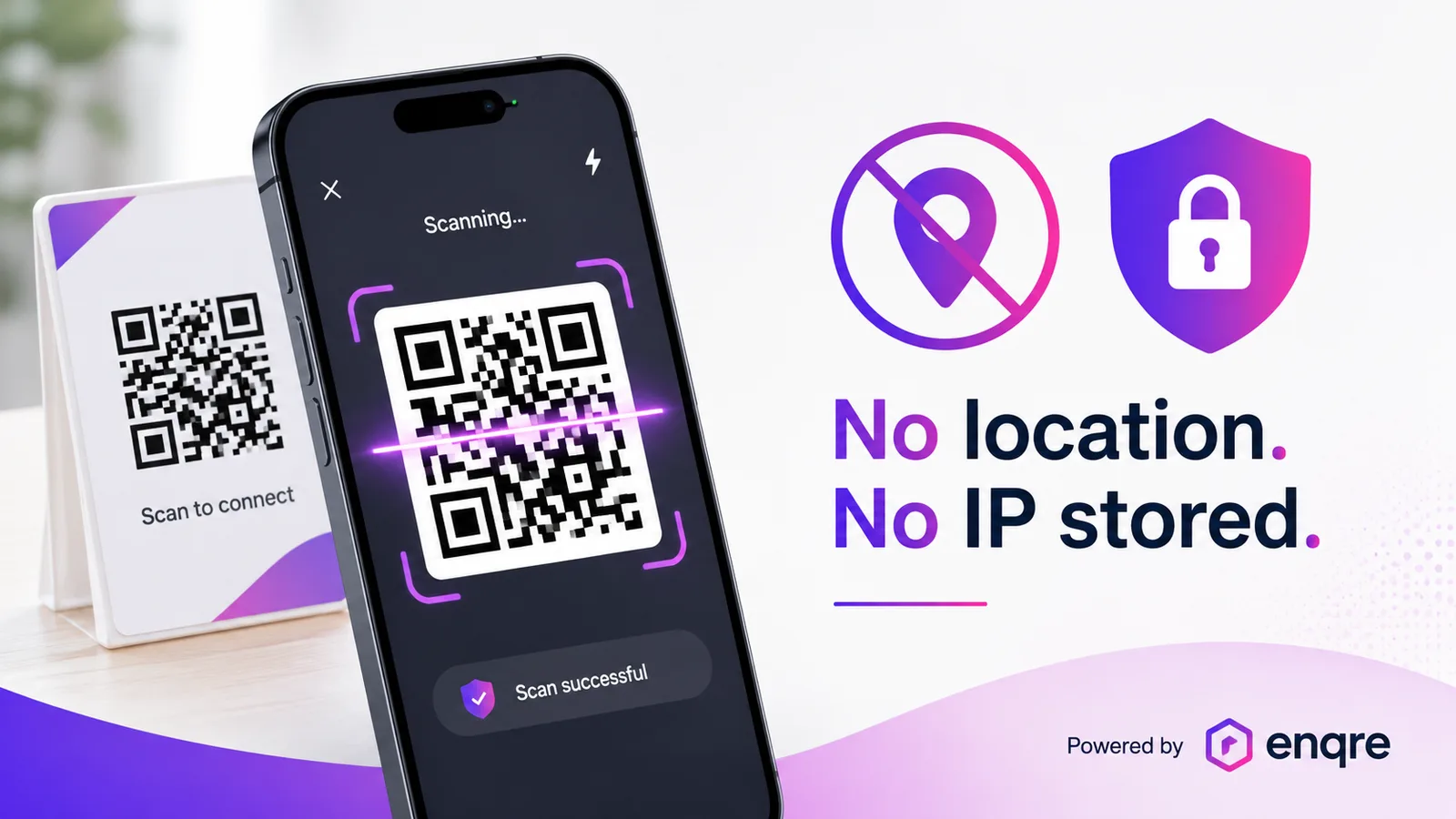
A dynamic code adds a redirect in the middle — your phone asks a short address, which answers "go here". That step can be counted, and different services record different things in it. Ours records the time, which code, the device type, the operating system and browser as the request reports them, the referrer if the browser sends one, and a salted hash of the IP address so unique visitors can be counted without keeping the address itself.
No location at all — not a city, not a country — and no identity. That is a choice, not a limitation: the country is derivable from the IP, and we do not derive it. It means our analytics can tell an owner that a poster was scanned 400 times on Tuesday and can never tell them who or where, which is the trade we prefer to be on the right side of.
Other services do offer city-level or country-level breakdowns from the same IP. That is legitimate and often disclosed — it is simply a different choice, and worth checking rather than assuming either way.
What a scan genuinely cannot do
- Install anything. A code cannot put software on your phone. A page can offer a download, which you would then have to accept and install yourself.
- Take a photo, read your contacts, open your files. All of those need permissions the browser gates behind prompts, exactly as they are on any website.
- Follow you afterwards. The code has no memory of you. Anything that follows you is done by the site, with cookies or an account — the same as if you had typed the address.
- Charge you. A payment needs you to enter details on a page. A code cannot move money.
The real risk, which is not location
The thing worth being careful about is not what a code measures — it is where it goes. Anyone can print a square and stick it over another one, and a code gives no clue about its destination before you scan it.
So the useful habits are boring ones. Check what the address says before tapping through; phones show it. Be suspicious of codes stuck onto parking meters, posters and restaurant tables, especially anywhere asking for payment or a login. And a legitimate business should be printing its address in text beside the code, which lets you read where it goes without scanning at all.
If you own the codes
Two practical consequences of everything above.
Do not promise location analytics you do not have. If your service reports cities, it is doing IP lookup, and IP lookup on mobile networks is frequently wrong. Making a print-budget decision on "which city scanned most" is building on sand. One code per placement gives you the same answer with certainty, because you know where you put each one.
Say what you collect, plainly. Customers are now primed to assume the worst, and a specific list is more reassuring than a paragraph of comfort. Ours fits in a sentence, which is the point of keeping it short.
Quick answers
- Can a QR code see my location? No. The page it opens can ask for it, and you will see a prompt.
- Can it get my location without asking? Only roughly, from your IP — city or region at best, and often wrong on mobile.
- Does scanning install anything? No.
- Can the code's owner see who I am? Not from the scan. Only if you sign in or fill something in on the page.
- What do you record? Time, code, device, OS, browser, referrer and a salted hash of the IP. No location, no identity.
- How do I stay safe? Read the address before you continue, and be wary of codes stickered onto public objects.
A equipa Enqre·Publicado a 10/08/2026·Atualizado 16/08/2026