Como fazer um código QR para o TikTok
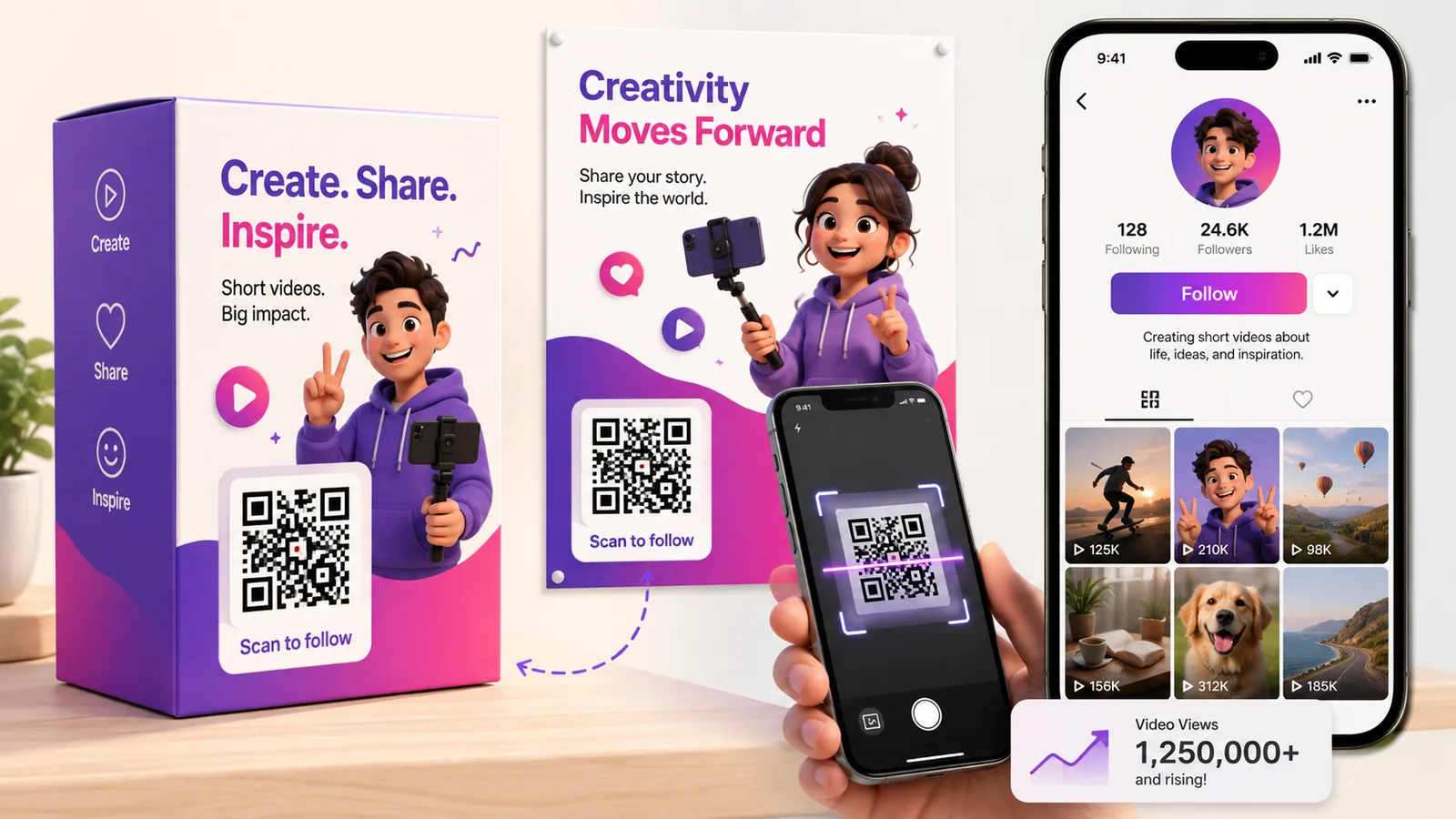
O TikTok já dá a cada perfil um código QR e, para a maioria das finalidades, serve. Deixa de servir no momento em que o código sai da aplicação — numa caixa, num cartaz, num autocolante de montra — porque a partir daí quer saber quantas pessoas o leram, e quer poder mudar para onde ele vai sem reimprimir nada.
O que o código do próprio TikTok faz e não faz
Abra o seu perfil, toque no menu do canto superior e toque em Código QR. Aquele quadrado é um código QR a sério — qualquer câmara de telemóvel o lê, e não só a do TikTok. Vale a pena dizê-lo com todas as letras, porque muitas vezes é descrito como se fosse um truque só para a aplicação. Não é.
O que ele não consegue fazer é o que vem depois da leitura. Tem o estilo do TikTok e não o seu, não reporta nada, e aponta para o seu perfil de forma permanente. Se for tudo o que precisa — um código num diapositivo de um encontro, uma captura de ecrã numa conversa de grupo — use-o e siga em frente.
A ligação, e a parte dela que deve apagar
O seu perfil vive em tiktok.com/@oseunome. É um URL curto, o que conta mais do que parece: um código que leva trinta caracteres tem muito menos módulos do que um que leva noventa, por isso mantém-se legível impresso em pequeno e sobrevive a uma tiragem tosca. É um dos códigos mais fáceis de acertar.
A armadilha é o painel de partilha. Toque em Partilhar, depois em Copiar ligação, e o TikTok entrega-lhe algo como:
https://www.tiktok.com/@oseunome?is_from_webapp=1&sender_device=pc
Esses dois parâmetros são o TikTok a dizer a si próprio de onde veio a ligação. Não lhe fazem nada e acrescentam caracteres ao padrão sem retorno nenhum. Corte até ao URL puro do perfil antes de gerar seja o que for.
Ligar a um vídeo, e porque é que isso envelhece mal
Uma ligação para um vídeo funciona da mesma maneira, mas pense na escala de tempo. Um autocolante numa encomenda pode ser lido nove meses depois de o ter impresso e, nessa altura, o clipe que andava a empurrar está soterrado e a campanha acabou. Aponte um código impresso para um único vídeo apenas se a impressão tiver vida tão curta como o vídeo — um folheto para um fim de semana, um ecrã num evento.
Para tudo o que tenha prazo de prateleira, aponte-o para o perfil, ou faça-o dinâmico para que o destino possa seguir em frente quando a campanha seguir. É este o argumento inteiro a favor de um código dinâmico em embalagem: a caixa imprime-se uma vez e aquilo que se está a promover não.
Um código não pode querer dizer «siga-me» e «compre isto»
O erro mais comum é pedir a um único quadrado que faça demasiado. Uma leitura é um toque e uma intenção. Se o autocolante diz siga-nos no TikTok, mande-os para o perfil. Se diz veja como isto foi feito, mande-os para o vídeo. Se precisar genuinamente de oferecer vários destinos ao mesmo tempo — TikTok, Instagram, YouTube, a loja — isso é um agregador de ligações, e é uma decisão de design diferente, não uma ligação diferente.
Perguntas frequentes
Uma câmara de telemóvel normal consegue ler o código QR incorporado do TikTok?
Consegue. O código de perfil do TikTok é um código QR vulgar com um logótipo ao meio, e qualquer aplicação de câmara o lê e propõe abrir o perfil. A limitação não é a leitura — é não o poder personalizar, contar nem reapontar.
Devo retirar a parte is_from_webapp de uma ligação do TikTok?
Deve. É a etiqueta de atribuição do próprio TikTok, que regista que a ligação foi copiada da aplicação web. Não tem efeito nenhum no sítio para onde a ligação vai, e retirá-la torna o código QR menos denso e mais fácil de imprimir em pequeno.
Como faço um código para um vídeo específico do TikTok?
Abra o vídeo, toque em Partilhar, depois em Copiar ligação, e retire os parâmetros de rastreio. Tenha cuidado com as ligações curtas vm.tiktok.com que o painel de partilha às vezes dá — são o redirecionamento do próprio TikTok, o que significa que o seu código impresso passa a depender de dois serviços continuarem de pé em vez de um. O URL completo tiktok.com/@nome/video/… é mais comprido mas mais durável.
Consigo contar leituras no código do próprio TikTok?
Não. O TikTok reporta visualizações de perfil, mas não lhe consegue dizer quais delas chegaram por leitura de um quadrado num cartaz em vez de por toques dentro da aplicação. Contar leituras significa fazer o código você mesmo, dinâmico, que faz passar cada leitura por uma ligação que se pode medir.
Posso mudar para onde o código aponta depois de impresso?
Só se for dinâmico. Um código estático tem o URL no padrão, por isso a única edição é uma reimpressão. Um código dinâmico mantém o quadrado impresso idêntico e deixa o destino deslocar-se — perfil agora, página de campanha depois, outro clipe no mês seguinte. Crie um grátis se quiser isso antes de se comprometer com uma tiragem.
A equipa Enqre·Publicado a 11/08/2026·Atualizado 19/09/2026