Como fazer um código QR com o caminho até si
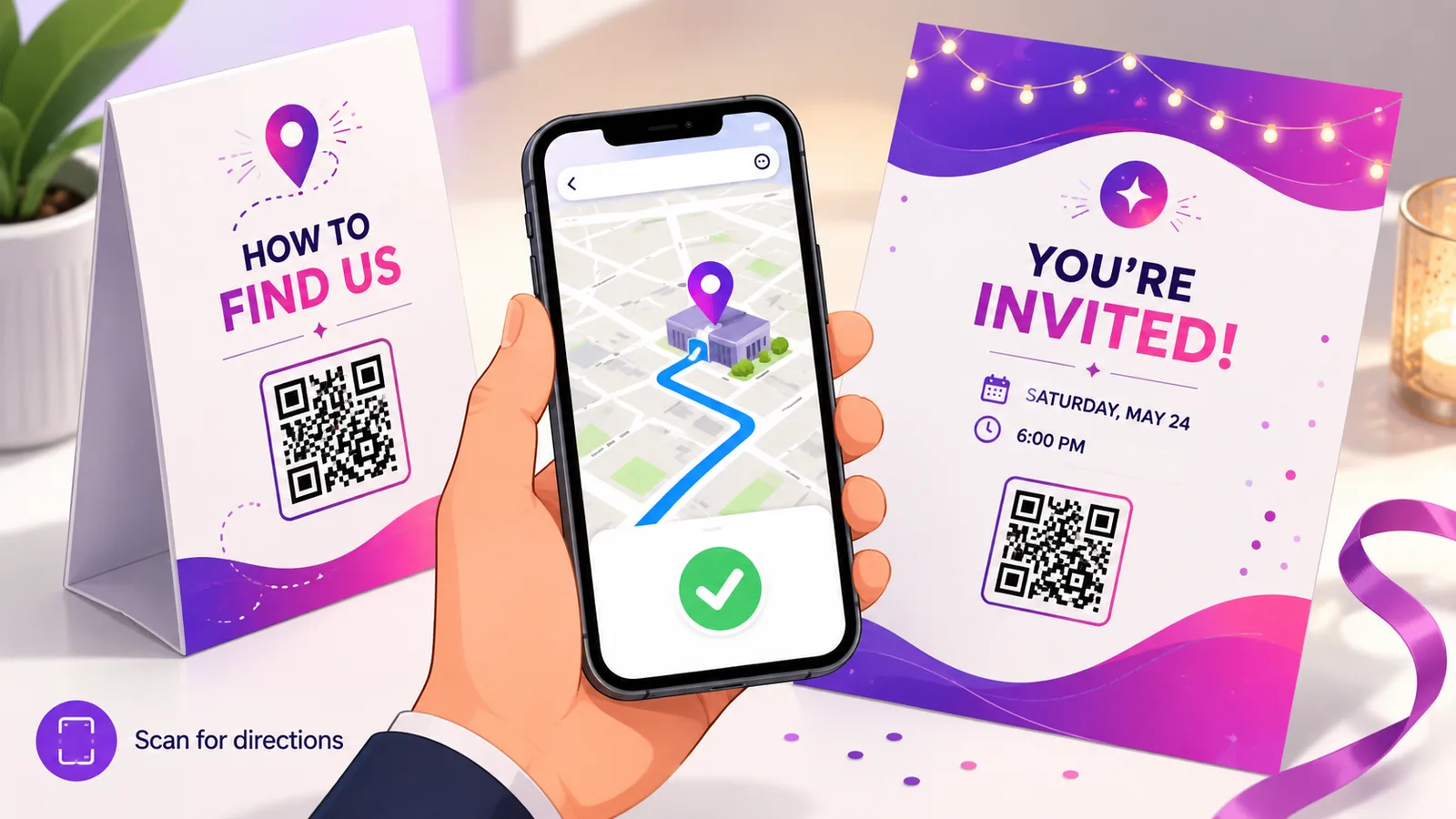
O objetivo de um código de direções não é poupar a alguém o trabalho de escrever uma morada. É pôr o marcador na porta por onde quer que essa pessoa entre, que muitas vezes não é onde a morada registada o coloca.
Ponha o marcador onde está a entrada
Comece por aqui, porque é o erro que de facto deixa as pessoas perdidas. Uma morada postal resolve para um edifício, e os serviços de mapas colocam-no algures perto do seu centro ou da frente de rua. Nenhum dos dois é necessariamente a forma de entrar.
Cais de carga, entradas laterais, espaços cuja porta fica na esquina seguinte à morada, parques industriais onde o número da fração não diz nada a um satélite — em todos estes casos o destino certo é um ponto que se escolhe, e não uma morada que se consulta. Abra o Google Maps, carregue sem largar na porta a sério, e construa o código a partir daí.
Vale a pena sair à rua e verificar o que faz o seu marcador atual. Um número surpreendente de negócios nunca leu a sua própria ligação de direções a partir do passeio.
Duas ligações, e o que cada uma lhe custa
A opção simples é uma ligação partilhada do Maps: encontre o sítio, toque em Partilhar, Copiar ligação. Abre a sua localização e é quem visita que toca em «Direções» — um toque a mais, e funciona praticamente em todo o lado.
Para saltar esse toque, use um URL de direções com o percurso já definido:
https://www.google.com/maps/dir/?api=1&destination=52.5163,13.3777
As duas são ligações web vulgares, que é a propriedade importante: um telemóvel sem aplicação de mapas continua a abri-las no navegador. É por isso que são a opção segura por omissão para tudo o que é impresso para o público em geral.
A armadilha do geo:
Vai encontrar conselhos a recomendar um URI geo: — geo:52.5163,13.3777 — com o argumento de que abre a aplicação de mapas preferida do telemóvel em vez de forçar a Google. No Android isso é em grande medida verdade.
Num iPhone não é. O iOS lida mal ou nada com geo:, e a falha é silenciosa: a câmara lê, acontece alguma coisa ou não acontece nada, e o convidado fica num parque de estacionamento sem percurso. Se o imprimir num convite de casamento, vai ficar a saber pelas pessoas que não chegaram.
Use uma ligação de mapas https normal, a não ser que controle os aparelhos do público. Custa um toque e elimina a classe inteira do problema.
Sítios que não têm morada nenhuma
Um campo, um portão de festival, o início de um trilho, um terreno com licença de construção e mais nada. A latitude e a longitude em bruto funcionam, mas são impossíveis de ditar ao telefone e fáceis de transcrever mal.
Os Plus Codes são a melhor resposta — cadeias curtas e pronunciáveis como 9F4M+3X Berlin, que resolvem para um quadrado de dez metros e funcionam no Maps como termo de pesquisa. Qualquer pessoa pode escrever um na sua própria aplicação se a leitura falhar, coisa que as coordenadas em bruto não permitem. Mantenha os dois no material impresso: o código para ler, o Plus Code em texto para quando alguma coisa correr mal.
Quando o destino pode mudar de sítio
Uma montra fixa ainda lá vai estar para o ano, e um código estático a apontar para ela serve. Tudo o que se mexe é outra história: bancas de mercado, lojas efémeras, uma empresa que ficou grande de mais para o escritório, um festival que renumera os portões todos os anos.
Um código dinâmico mantém o quadrado impresso idêntico enquanto o marcador se desloca, e diz-lhe quantas pessoas precisaram sequer de direções — útil para decidir se a sinalética está a funcionar. Conta sobretudo em coisas impressas com muita antecedência, razão pela qual aparece em casamentos, eventos e painéis imobiliários, onde a tiragem é fechada meses antes de alguém lá chegar a pé.
Perguntas frequentes
O código vai abrir o Google Maps ou o Apple Maps?
Uma ligação https do Google Maps abre a aplicação que o telemóvel lhe associar, ou a vista de mapa do navegador se não houver nenhuma. Resolve sempre para alguma coisa. Um URI geo: depende de haver um manipulador instalado, e é por isso que é a escolha menos segura para impressão.
Porque é que o meu marcador aterra atrás do edifício?
Porque a morada geocodifica para o imóvel, e não para a entrada. Carregue sem largar na porta a sério no Google Maps e use essas coordenadas em vez da morada da rua — em especial para frações em parques industriais, espaços com entradas laterais e qualquer sítio onde as entregas cheguem por outro lado.
Como obtenho coordenadas de um sítio sem morada?
Carregue sem largar na localização no Google Maps e a latitude e a longitude aparecem no fundo do ecrã. Para tudo o que o público vá usar, tire também o Plus Code e imprima-o em texto — é curto o suficiente para se ler em voz alta e escrever à mão se uma leitura falhar.
Posso mandar alguém diretamente para a navegação passo a passo?
Pode abrir a aplicação de mapas com o percurso já preenchido, usando um URL de direções, mas a pessoa continua a ter de carregar em iniciar. Nenhuma ligação consegue começar a navegação sozinha, e isso é deliberado.
Posso alterar a localização depois de imprimir?
Só com um código dinâmico. Um código estático tem as coordenadas no padrão. Crie um grátis se o local puder mudar — o quadrado impresso fica igual enquanto o marcador o acompanha.
A equipa Enqre·Publicado a 12/08/2026·Atualizado 19/09/2026