Como fazer um código QR para a sua Página do Facebook
O Facebook é a única plataforma em que o código é a parte fácil e o destino é o problema. Fazer um QR para uma Página leva um minuto. Garantir que quem o lê vê mesmo a Página, e não uma parede de início de sessão, é a parte que merece reflexão.
O Facebook já não lhe dá um código
Já deu. Os códigos do Messenger — aquele padrão circular de pontos à volta da fotografia de perfil — foram descontinuados, e nada de uso geral os substituiu. O Meta Business Suite produz ocasionalmente um QR dentro de um fluxo de anúncios ou de negócio local, mas não há um botão fiável de «transferir um código para a minha Página» para onde o encaminhar.
O que não faz mal, porque um código feito a partir do URL é melhor de qualquer forma: qualquer câmara o lê, pode levar a sua marca, e pode mudar-se depois o que está por trás dele.
Verifique o seu URL antes de o codificar
É este o passo que decide se o seu código fica limpo ou uma confusão densa. O Facebook distribui dois tipos muito diferentes de endereço de Página:
facebook.com/SuaEmpresa— a versão com nome de utilizador. Curta, legível, e uma carga leve para o código.facebook.com/profile.php?id=61551234567890— a alternativa quando não há nome de utilizador definido. Cerca do dobro do comprimento, quase tudo um número sem significado, e produz um padrão visivelmente mais denso sem benefício nenhum.
Se está no segundo caso, defina primeiro um nome de utilizador na Página. Leva um minuto, é grátis, e é a diferença entre um código que imprime com folga num cartão de balcão e um que precisa de ser maior do que queria. Retire também qualquer ?ref= ou parâmetro de idioma no fim — são a contabilidade interna do Facebook e não acrescentam nada.
A parede de início de sessão é o verdadeiro modo de falha
Um código QR não controla o que acontece depois do toque, e o Facebook é invulgarmente agressivo quanto ao que mostra a quem não tem sessão iniciada. Uma Página pública corre em geral bem. Uma publicação concreta, um grupo ou um evento é onde isto corre mal: uma ligação para um grupo privado aterra num pedido de adesão, e os eventos e as publicações pedem com frequência início de sessão antes de mostrar seja o que for.
Por isso, antes de imprimir, teste o destino numa janela de navegação privada, num telemóvel sem sessão no Facebook. O que vir aí é o que uma boa parte de quem ler vai ver. Se for uma parede, aponte o código para algo público e deixe a Página fazer o trabalho de puxar as pessoas mais para dentro.
Enviar uma leitura para o Messenger
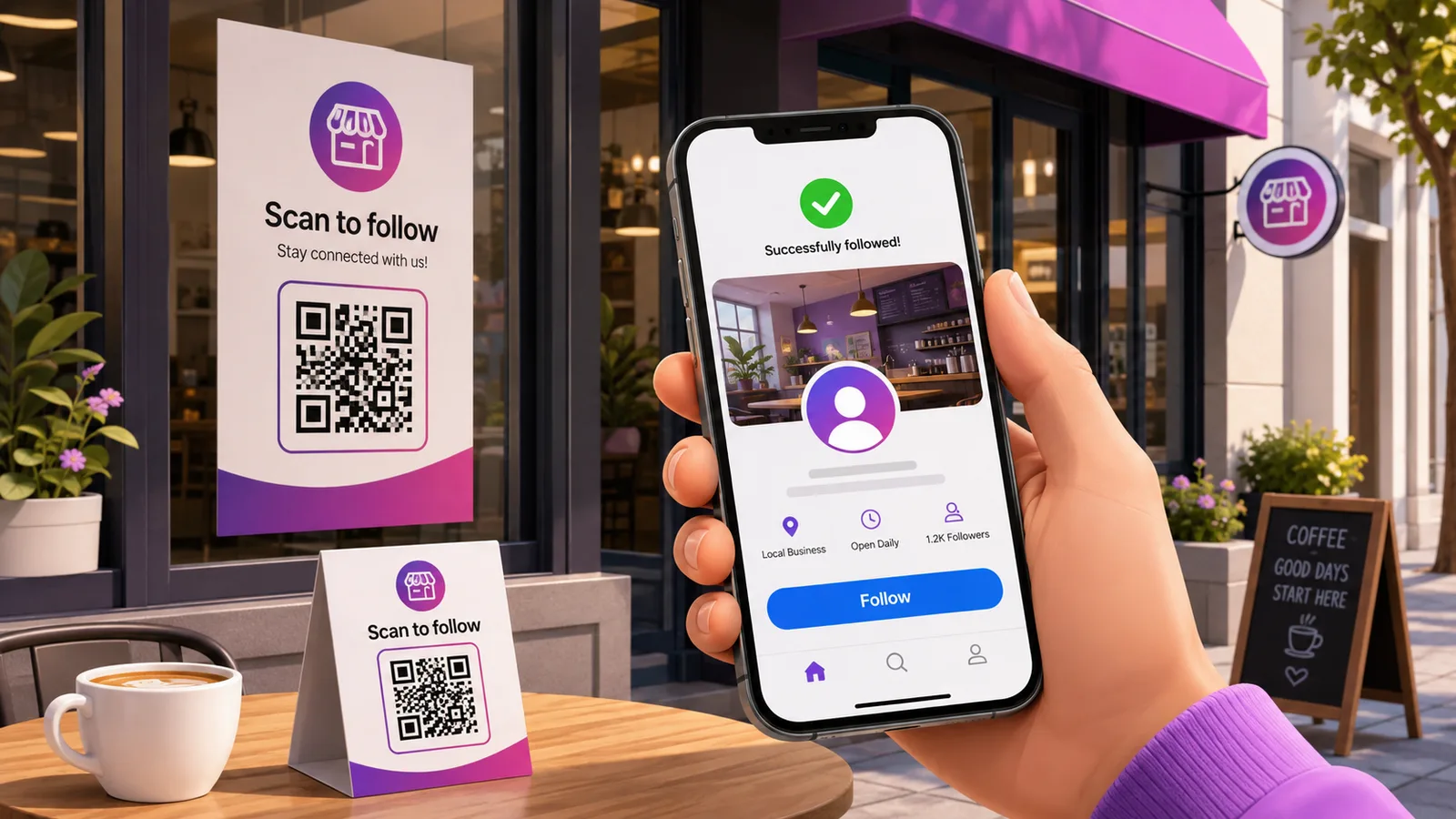
Se o objetivo do código for «iniciar uma conversa» e não «siga-nos», m.me/SuaEmpresa abre um chat do Messenger diretamente consigo. É mais ou menos o mais curto que uma ligação consegue ser, por isso o código fica esparso e imprime muito bem em tamanho pequeno — bom num autocolante de montra ou num cartão de mesa.
Aplica-se a mesma ressalva do nome de utilizador: o m.me precisa de um. E se os seus clientes têm mais probabilidade de estar no WhatsApp do que no Messenger, leia códigos QR para WhatsApp antes de comprometer uma tiragem com a aplicação errada.
Estático ou dinâmico, aqui
O URL de uma Página é das coisas mais duráveis para onde se pode apontar — sobrevive a mudanças de marca e é você que o controla. Para um autocolante de montra que diz «siga-nos», o estático é defensável.
Deixa de ser defensável no momento em que o código passa a promover alguma coisa. Um folheto que aponta para o evento deste mês está a apontar para uma coisa que expira, e um código dinâmico permite que esse folheto queira dizer outra coisa em março, sem reimpressão. O mesmo raciocínio se aplica a tudo o que vá em embalagem, que dura mais do que qualquer campanha impressa nela. Se estiver a cruzar promoções a partir do Instagram ou do YouTube, há mais ideias de colocação em marketing com códigos QR.
Perguntas frequentes
O Facebook ainda tem códigos do Messenger?
Não. Os códigos do Messenger que se liam foram descontinuados e não há substituto direto. Um código QR feito a partir da sua Página, do seu perfil ou da ligação m.me faz o mesmo trabalho e funciona com qualquer câmara de telemóvel, em vez de só dentro das aplicações da Meta.
Porque é que o meu código QR do Facebook é tão denso?
Quase de certeza porque a sua Página não tem nome de utilizador, e por isso o URL é a forma comprida profile.php?id=…, com um número de quinze dígitos lá dentro. Definir um nome de utilizador encurta bastante a ligação, o que significa menos módulos, quadrados maiores, e um código que tolera ser impresso em pequeno.
O código funciona para quem não tem sessão iniciada no Facebook?
Para uma Página pública, normalmente sim. Para um grupo, um evento ou uma publicação individual, muitas vezes não — o Facebook mostra antes um pedido de início de sessão ou de adesão. Teste o destino numa janela de navegação privada antes de imprimir, porque é essa a experiência de quem lê sem sessão iniciada.
Posso fazer um código que abra um chat do Messenger?
Pode. Use m.me/SuaEmpresa como destino e a leitura abre uma conversa com a sua Página. Exige um nome de utilizador na Página, e é um URL muito curto, por isso o código resultante é dos mais fáceis de imprimir em tamanhos pequenos.
Posso mudar para onde aponta depois de imprimir?
Só se for dinâmico. Um código estático tem o URL fixo no padrão. Um dinâmico mantém o quadrado impresso idêntico enquanto o destino se desloca — da Página para um evento e de volta. Crie um grátis se a tiragem for durar mais do que a campanha.
A equipa Enqre·Publicado a 11/08/2026·Atualizado 19/09/2026