Blog
Guides, tips and news about QR codes.
Looking for something specific? Browse the knowledge base by topic.
Browse by topic
Published on 7/21/2026
How to Edit a QR Code (and When You Cannot)
Whether a printed code can be changed comes down to one thing decided before you printed it. A dynamic code is edited in seconds and every copy follows. A static code cannot be edited at all — its destination is inside the pattern — and no tool changes that.
Read more →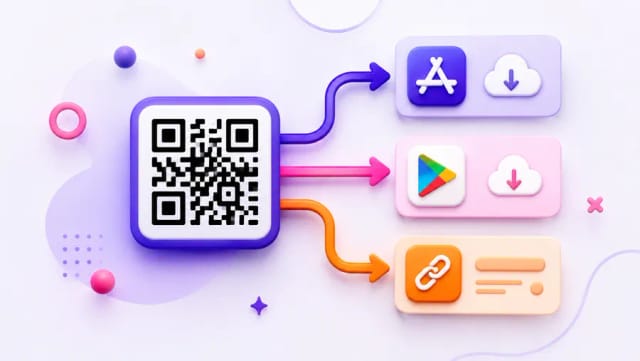
Published on 7/20/2026
One QR Code for App Store and Google Play
The app-store code reads the phone's operating system and sends iPhones to the App Store, Android phones to Play, and everyone else to a fallback link. The fallback is the field people leave empty and then wonder why the poster does not work on a laptop.
Read more →
Published on 7/19/2026
Are Dynamic QR Codes Free? What the Small Print Usually Says
Here: five dynamic codes, 1,000 scans a month, and they do not expire. The industry's usual trick is a free trial whose codes stop working on day 15 — after you have printed them. Five things to check in any provider's small print, ours included.
Read more →
Published on 7/18/2026
How to Choose a QR Code Generator: A Checklist for Before You Print
Ten questions to ask any provider, in the order that matters. The first one decides everything: after the free period or the cancelled subscription, does the code I already printed still redirect? Our own answers are here too, so the list can be used against us.
Read more →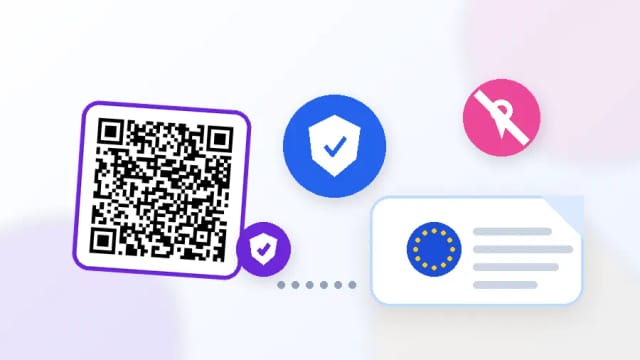
Published on 7/17/2026
QR Codes and GDPR: What Gets Collected and What to Say About It
A scan here records a timestamp, device, OS, browser, referrer and a salted hash of the IP address. No location, no identity, no cross-site tracking. Here is what that means for your privacy notice — and where your own obligations start, which is the moment you switch on retargeting pixels.
Read more →
Published on 7/16/2026
QR Code or Short Link: When to Use Which
The rule is simple: a code is for when the surface is physical and the phone is in the reader's hand. A short link is for when the surface is already digital, or spoken. Most of the time you want both, pointing at the same destination.
Read more →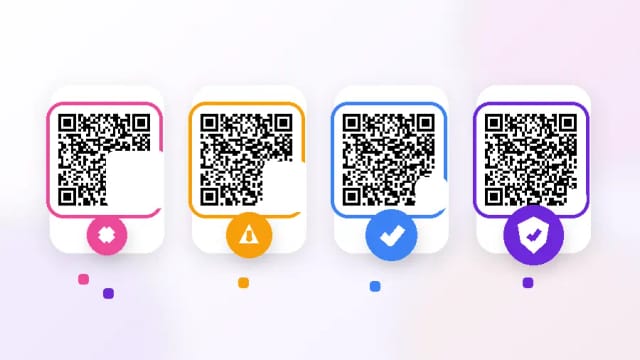
Published on 7/15/2026
QR Code Error Correction Levels L, M, Q and H: Which to Use
H recovers about 30% of a damaged code, L about 7% — and H makes the pattern denser for the same data. For a short dynamic link that trade is almost free, which is why H is the default here. The parts error correction cannot save are the corners.
Read more →
Published on 7/14/2026
QR Codes for Weddings: One Code, Printed Once, Useful for a Year
The invitation goes out six months early and the details change afterwards — that is the whole case for a dynamic code. Print it on the save-the-date, point it at RSVP, then repoint the same code at the photo album after the day.
Read more →
Published on 7/13/2026
QR Codes for Hotels: What Guests Actually Scan
The room directory, the Wi-Fi card and the breakfast times are the three things every guest looks for. Codes work there because the guest is already in the room with a phone in hand — and a language rule can send each guest to their own language from one printed code.
Read more →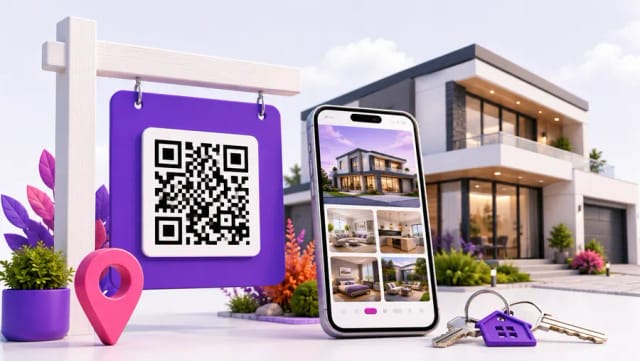
Published on 7/12/2026
QR Codes for Real Estate: The Board Outside Works at 9pm
A code on a For Sale board turns a closed office into a lead — if it is big enough to read from the pavement and points at the listing rather than a form. One code per property is what makes the scan numbers worth reporting.
Read more →
Published on 7/11/2026
PNG, SVG or PDF: Which File to Download Your QR Code As
One rule covers most of it — vector for print, raster for screens, and never an enlarged PNG. The rest is what to hand a printer, and the two traps that ruin an otherwise perfect file.
Read more →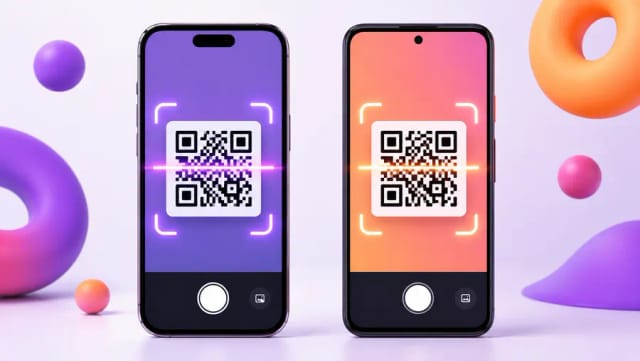
Published on 7/10/2026
How to Scan a QR Code — Including the Ones You Cannot Point a Camera At
On any phone made in the last decade the camera app is the scanner. The useful part is the cases people get stuck on: a code in a screenshot, a code on the screen you are holding, and a code you should not tap.
Read more →